Want to create high-converting landing pages without spending a dime? Free landing page builders make it possible to design professional, single-page websites quickly - no coding needed. These tools are perfect for testing marketing ideas, collecting leads, or driving sales without any upfront costs.
Here’s what you need to know:
- Top Features to Look For: Drag-and-drop editors, mobile responsiveness, and integration with tools like email marketing or analytics.
- Common Limitations: Free plans often include platform branding, subdomains (e.g., yourname.wix.com), and limited features.
- Best Free Builders for 2026: Platforms like Wix, HubSpot, and Carrd offer various strengths, from design flexibility to lead management.
Quick Tip: Businesses using 30+ landing pages generate 7x more leads than those with fewer than 10. Start creating and optimizing today to boost conversions.
Keep reading for detailed comparisons, platform reviews, and optimization strategies.
Best (And Easiest!) Free Landing Page Builders: 5 Top Picks in 2025
sbb-itb-e3aed85
What to Look for in Free Plans
Not all free landing page builders are the same - some can compete with premium tools, while others come with strict restrictions. If you're aiming to boost conversions without spending a dime, it's crucial to pick a free plan that aligns with your needs in usability, design, and integrations.
The three key factors to evaluate are usability (how quickly you can create and launch a page), design flexibility (whether templates match your brand and goals), and integrations (how well the builder connects with your marketing tools).
"The best landing page builder is the one that removes friction between your marketing ideas and live pages." – Prismic
Let’s break down these factors in more detail.
Ease of Use and Customization
A user-friendly drag-and-drop editor is a must-have for free plans. This feature lets you easily move elements like headlines, images, forms, and buttons - no coding required. Platforms such as Wix and SITE123 shine in this area: Wix offers extensive design freedom, while SITE123 focuses on simplicity and speed.
Mobile responsiveness is another non-negotiable. Since over 50% of web traffic comes from mobile devices, your landing page builder should automatically optimize designs for smaller screens. Some tools, like HubSpot, even provide multi-device previews, so you can ensure your page looks great on desktop, tablet, and mobile before hitting publish.
Modern builders are also incorporating AI tools to streamline the process. These include features like automated copy suggestions, layout recommendations, and lead capture tools such as customizable forms and pop-ups. Additionally, features like "Smart Sections" or "Instablocks" allow you to save and reuse custom-designed modules across multiple pages, ensuring brand consistency without extra effort.
Templates and Design Options
While ease of use is critical, the quality and variety of templates can make or break your experience. Templates allow you to quickly create professional-looking pages. For instance, Wix’s free plan includes over 110 templates, while HubSpot offers more than 170.
Check if templates are categorized by campaign goals or industries. This ensures that your design aligns with your audience's expectations. Since only 50% of landing pages are mobile-friendly, it's important to confirm that your chosen template adapts seamlessly to all screen sizes. Research shows that businesses with 15 or more landing pages see significantly higher conversion rates, so look for builders that simplify the creation of multiple variations.
Some platforms, like Leadpages, even provide a "conversion guidance" feature. This tool analyzes your page and suggests tweaks to improve performance before you publish.
Integration Capabilities
Once you've tackled design and usability, integrations become the next priority. A good landing page builder should connect effortlessly with your email marketing software, CRM, analytics tools, and payment gateways, ensuring smooth data flow without manual work.
Look for native integrations with tools like Mailchimp, Klaviyo, or Kit for email marketing, and CRMs such as HubSpot, Salesforce, or Zoho. Analytics tools like Google Analytics, Google Tag Manager, and Meta Pixel are essential for tracking visitor behavior and calculating ROI. If you’re selling products or collecting payments, make sure the builder supports payment systems like Stripe or PayPal. For businesses relying on appointments, integrations with scheduling tools like Calendly are a bonus, allowing visitors to book directly from your page.
Be aware that many free plans restrict essential integrations to paid tiers. For example, Carrd’s free plan doesn’t include Google Analytics or payment widgets - you’ll need to upgrade to their $19/year plan to access those features. On the other hand, HubSpot’s free plan sets itself apart by offering native CRM integration and the ability to create 20–30 landing pages without requiring an upgrade.
Comparison Table of Free Builders
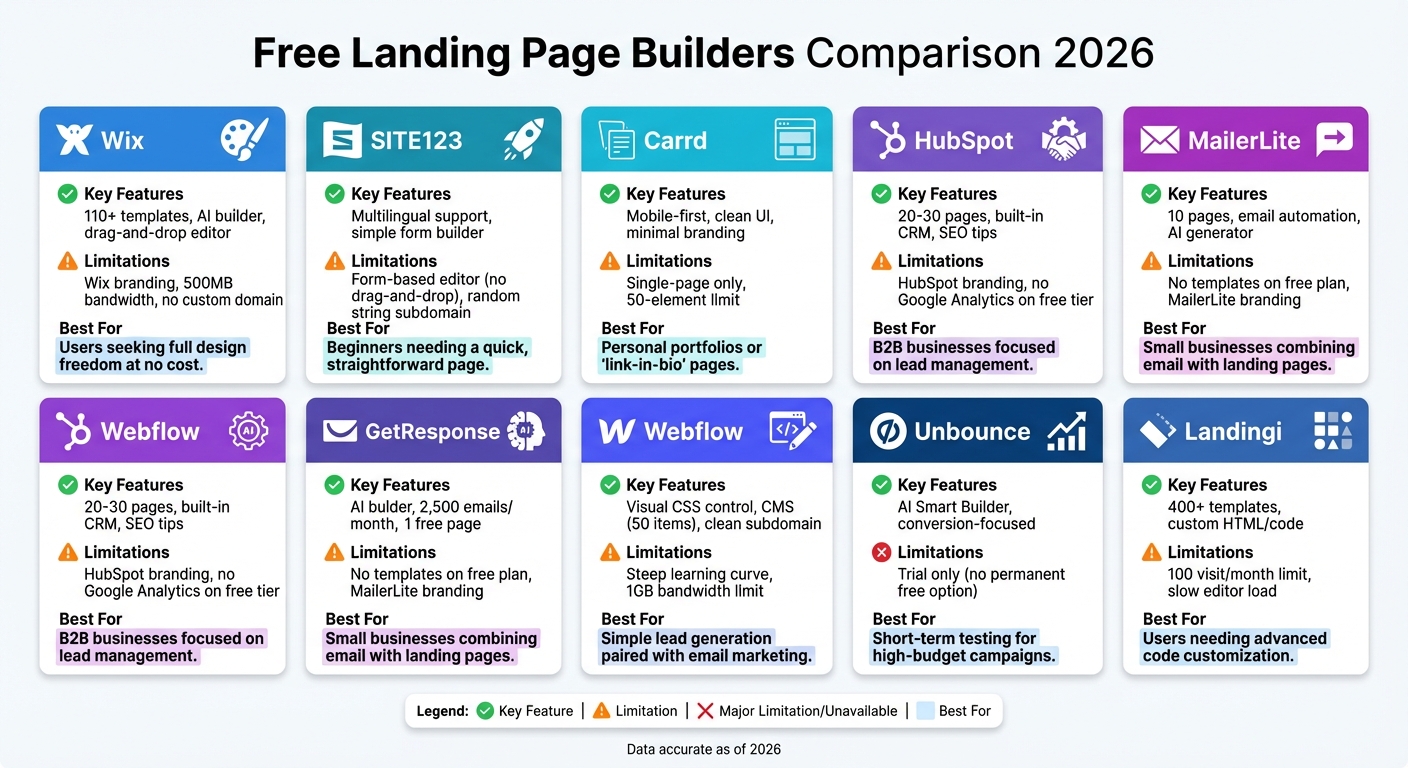
Free Landing Page Builders Comparison 2026: Features and Limitations
Picking the right free landing page builder depends on your priorities - whether that’s design flexibility, ease of use, or built-in marketing tools. Below is a breakdown of nine popular free landing page builders, highlighting their features, limitations, and ideal use cases.
| Builder | Key Free Features | Major Limitations | Best Use Case |
|---|---|---|---|
| Wix | 110+ templates, AI builder, drag-and-drop | Wix branding, 500MB bandwidth, no custom domain | Users seeking full design freedom at no cost. |
| SITE123 | Multilingual support, simple form builder | Form-based editor (no drag-and-drop), random string subdomain | Beginners needing a quick, straightforward page. |
| Carrd | Mobile-first, clean UI, minimal branding | Single-page only, 50-element limit | Personal portfolios or "link-in-bio" pages. |
| HubSpot | 20-30 pages, built-in CRM, SEO tips | HubSpot branding, no Google Analytics on free tier | B2B businesses focused on lead management. |
| MailerLite | 10 pages, email automation, AI generator | No templates on free plan, MailerLite branding | Small businesses combining email with landing pages. |
| Webflow | Visual CSS control, CMS (50 items), clean subdomain | Steep learning curve, 1GB bandwidth limit | Designers wanting precise, pixel-level control. |
| GetResponse | AI builder, 2,500 emails/month, 1 free page | 1-page limit, 1,000 visitor cap, no A/B testing | Simple lead generation paired with email marketing. |
| Unbounce | AI Smart Builder, conversion-focused | Trial only (no permanent free option) | Short-term testing for high-budget campaigns. |
| Landingi | 400+ templates, custom HTML/code | 100 visit/month limit, slow editor load | Users needing advanced code customization. |
Key Highlights
Wix offers unmatched design freedom with over 110 templates and drag-and-drop functionality. However, its free plan comes with branding and a 500MB bandwidth cap, which could be an issue if your site experiences a traffic surge.
For businesses, HubSpot is a standout. It allows up to 30 landing pages and integrates directly with its CRM, making it perfect for lead tracking. That said, branding and limited analytics on the free tier could be drawbacks.
If simplicity is your main focus, SITE123 and Carrd are excellent choices. SITE123’s form-based editor eliminates design errors, while Carrd specializes in sleek, single-page sites with minimal branding.
For marketers, MailerLite and GetResponse combine landing pages with email tools. MailerLite supports up to 10 pages and includes automation, though it lacks templates on the free plan. GetResponse provides 2,500 emails per month but limits you to one landing page and 1,000 visitors.
Lastly, Webflow is ideal for designers who need CSS-level control, though it has a steeper learning curve and bandwidth restrictions. Meanwhile, Unbounce and Landingi are better suited for short-term testing, with Unbounce offering only a trial and Landingi capping free users at 100 visits per month.
This table provides a snapshot to help you narrow down your options. Up next, we’ll take a closer look at each platform’s specific features and how they might fit your project.
Platform Reviews
Below are detailed reviews of each platform, breaking down their features, limitations, and ideal use cases.
Wix
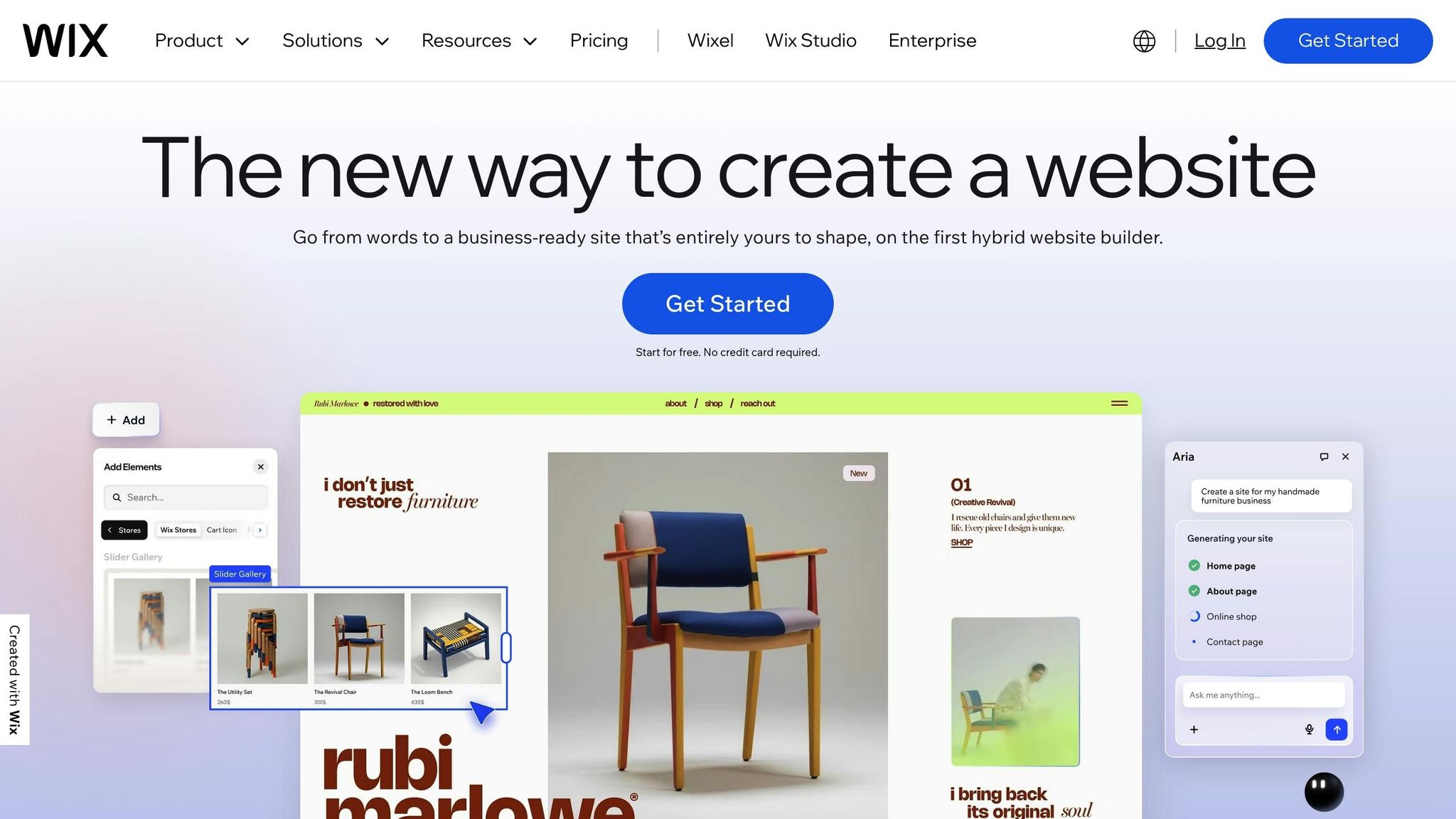
Wix provides over 110 landing page templates and a drag-and-drop editor, giving you full control over your design. For beginners, its AI-powered builder can create layouts and content based on your business description, making the process even easier. For an even faster alternative, you can use Yep.so to launch in minutes using AI. However, the free plan comes with a Wix-branded subdomain, and switching templates later often requires rebuilding your page. Despite these drawbacks, Wix is a solid choice for small businesses or solo entrepreneurs who plan to expand their landing page into a full website later on.
SITE123
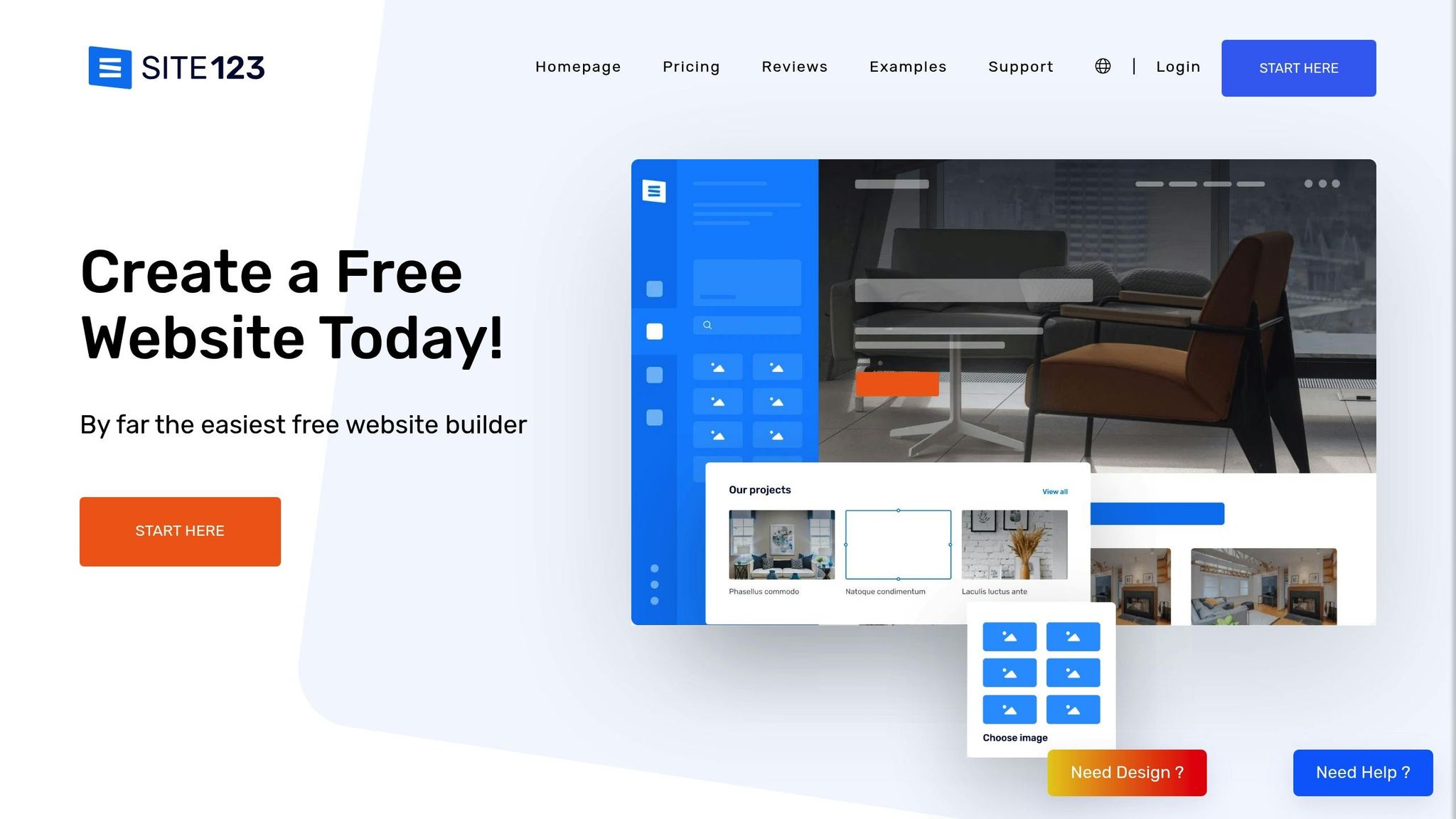
SITE123 simplifies the process with a form-based editor that walks you through pre-designed layouts, eliminating the need for drag-and-drop customization. This streamlined approach allows you to publish a page in under 15 minutes. However, customization options are limited, the subdomain includes a random string of numbers, and there are only six call-to-action layouts to choose from. It's a great option for absolute beginners who need a basic landing page without advanced branding.
Carrd
Carrd is perfect for minimalist, single-page designs, making it a favorite for personal portfolios, "link-in-bio" pages, and other straightforward uses. Its interface encourages simplicity, with a 50-element limit that keeps content focused. While the free plan lacks features like contact forms and Google Analytics, the Pro plan - starting at just $19 per year - offers more functionality for those who need a polished finish. Carrd is ideal for freelancers and creators who value simplicity and affordability.
HubSpot
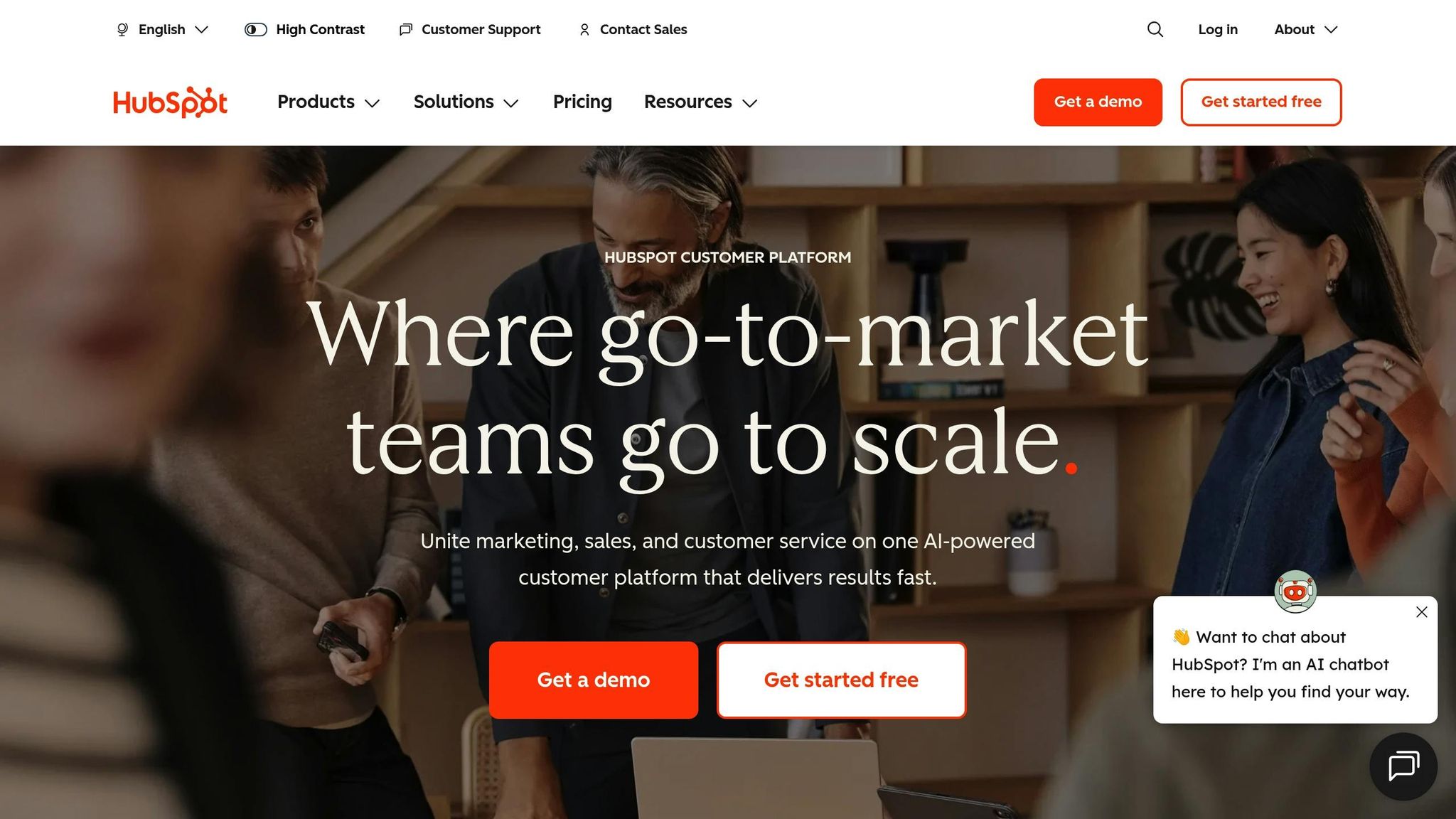
HubSpot offers 20 to 30 free landing pages that integrate seamlessly with its CRM, making it a strong choice for B2B companies and startups focused on lead generation. With over 170 templates and built-in SEO recommendations, it’s designed to help businesses optimize their marketing efforts. The free tier does include HubSpot branding and lacks Google Analytics integration, but its ability to funnel leads directly into sales pipelines makes it a standout for businesses prioritizing lead management.
MailerLite
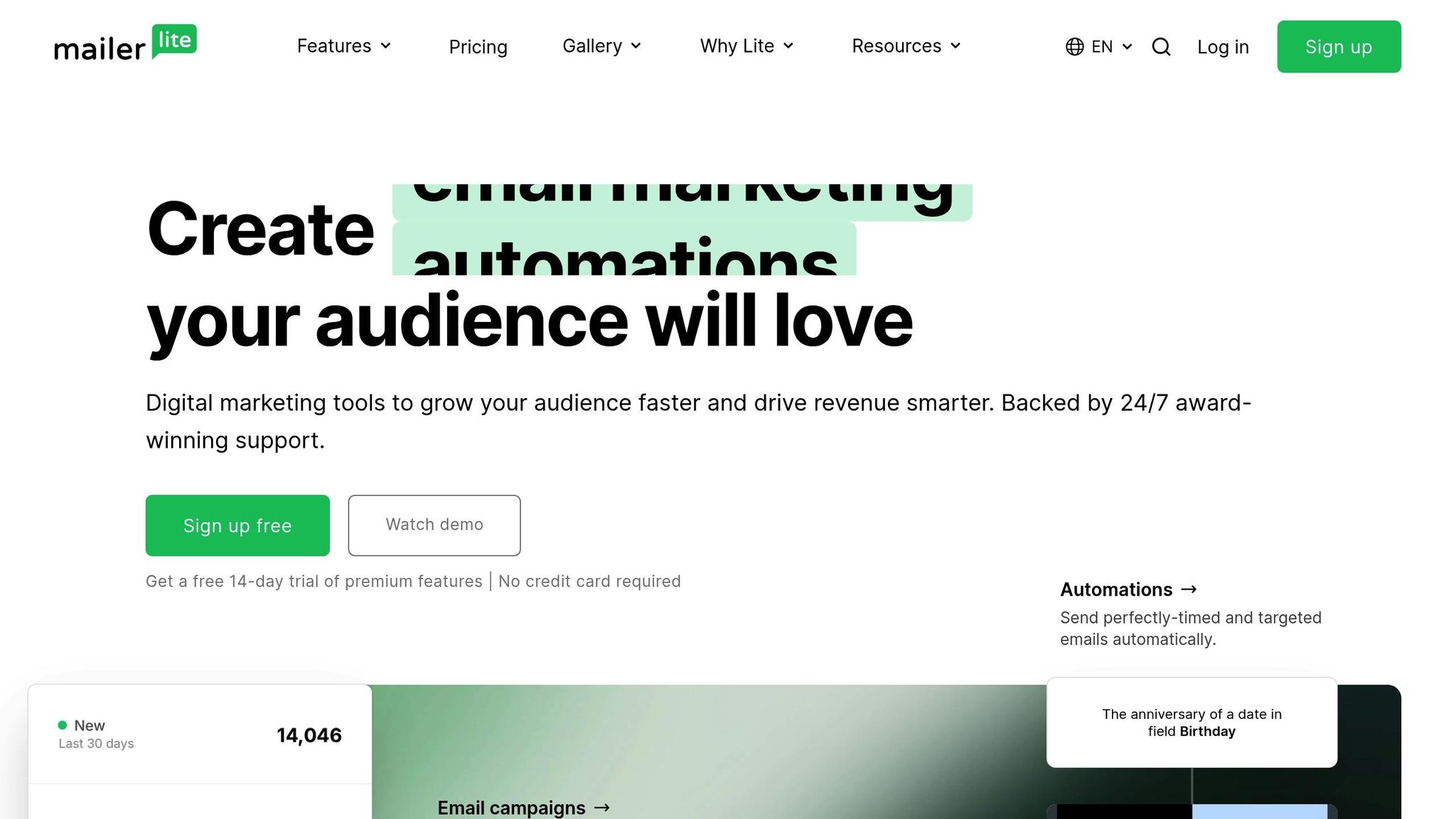
MailerLite combines landing page creation with email automation, making it an excellent choice for authors, coaches, and creators looking to grow their email lists. The free plan allows you to create up to 10 landing pages and manage 1,000 subscribers, with automated email sequences triggered immediately after sign-up. However, the free tier doesn’t include pre-made templates, so you’ll need to build pages from scratch using the drag-and-drop editor. For those focused on audience engagement, MailerLite offers an efficient way to transition from sign-ups to email nurturing.
Webflow
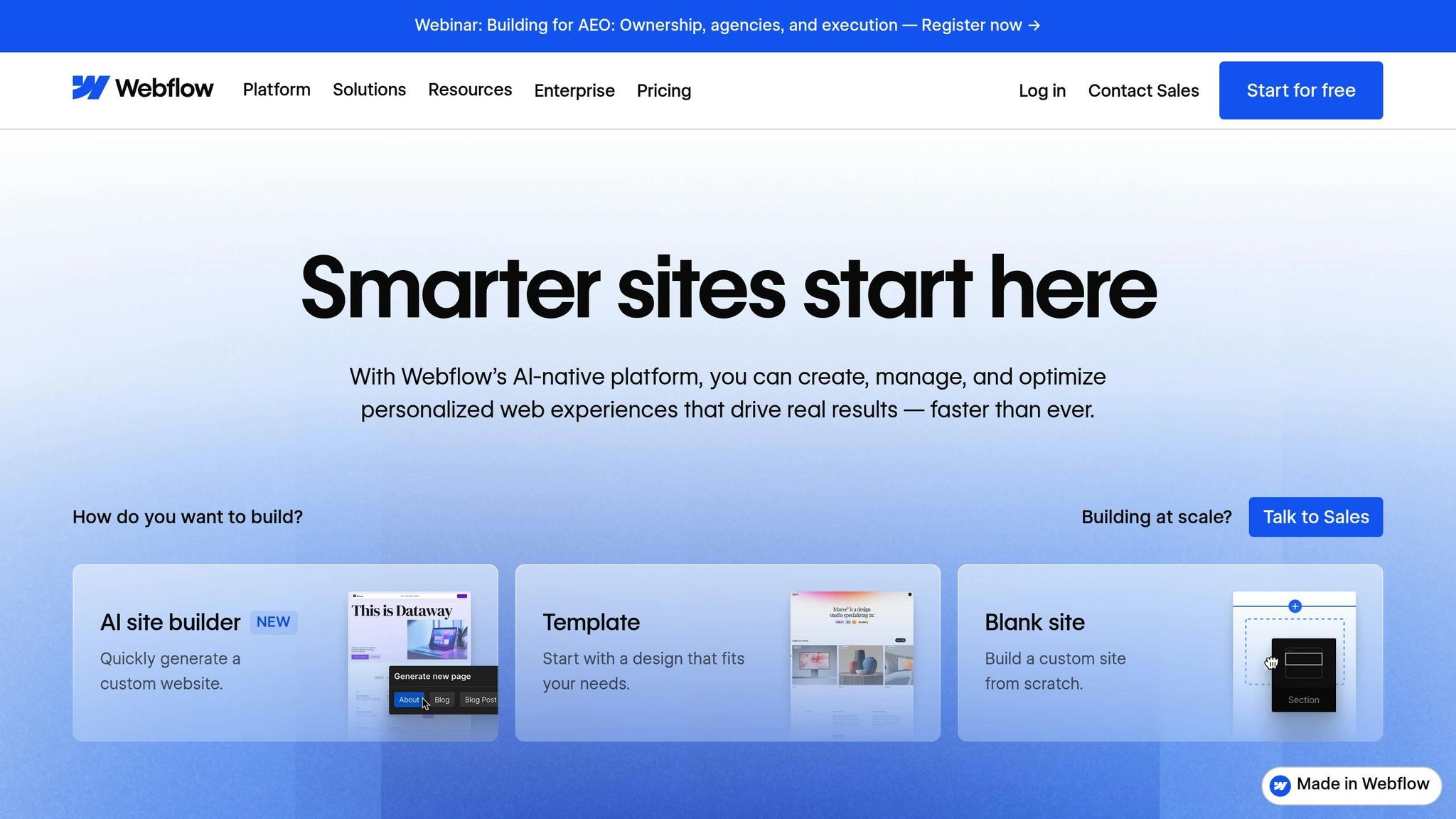
Webflow is designed for professional designers who want pixel-perfect control without coding. It offers visual CSS control, advanced animation features, and a CMS that supports up to 50 items. With over 1,000 templates, it’s packed with design possibilities. However, the platform has a steep learning curve, and the free plan’s 1 GB bandwidth limit (suitable for 100 to 500 monthly visitors) makes it more appropriate for experienced designers or agencies seeking high levels of customization.
GetResponse
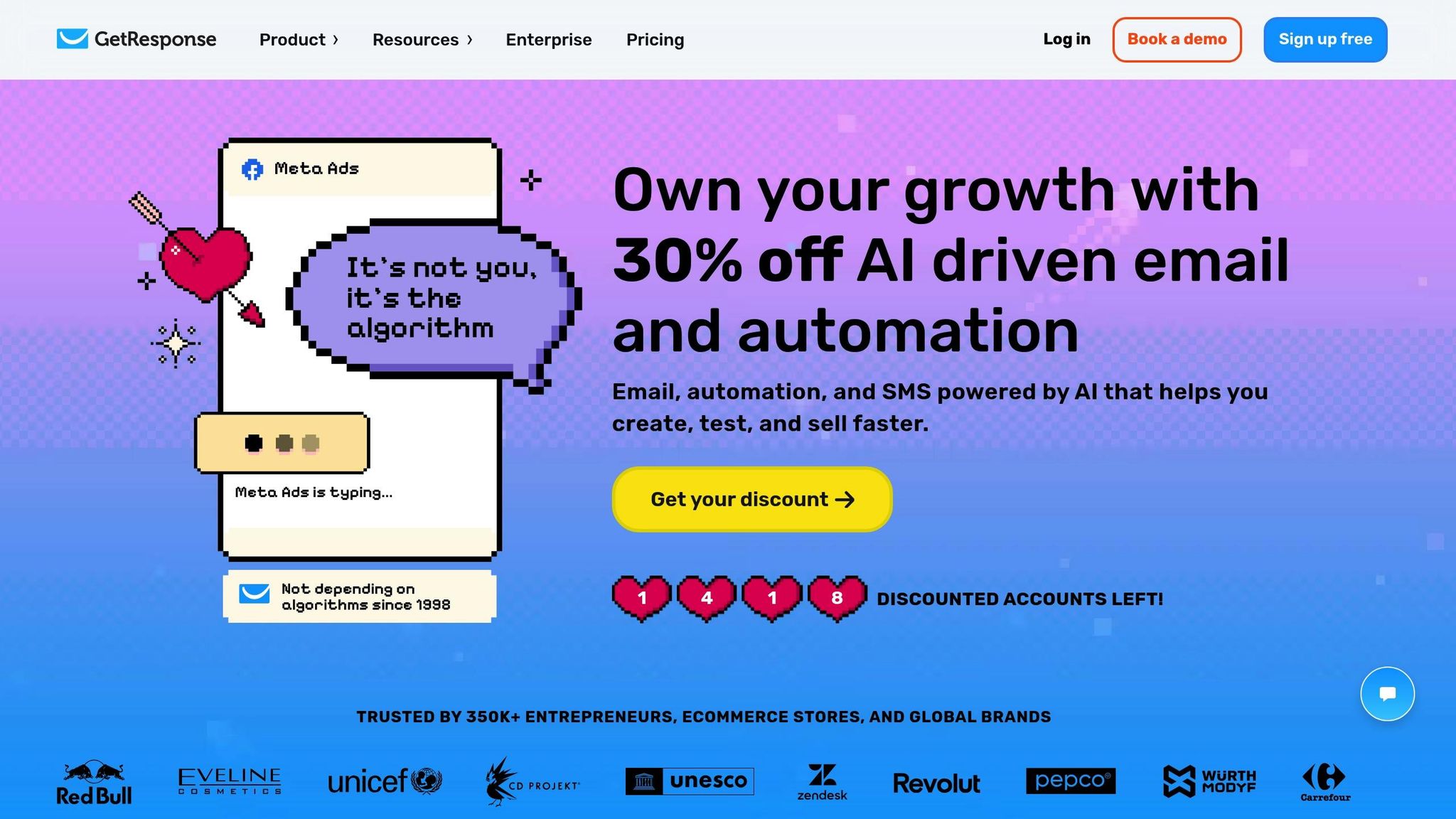
GetResponse leverages AI to create complete landing pages, including layout and copy, with just one prompt. The free plan includes access to 1 million stock photos but limits you to one landing page and 1,000 unique visitors per month. This makes it a good fit for businesses in the testing phase, looking for a simple lead generation page paired with email marketing tools.
Unbounce Free Trial
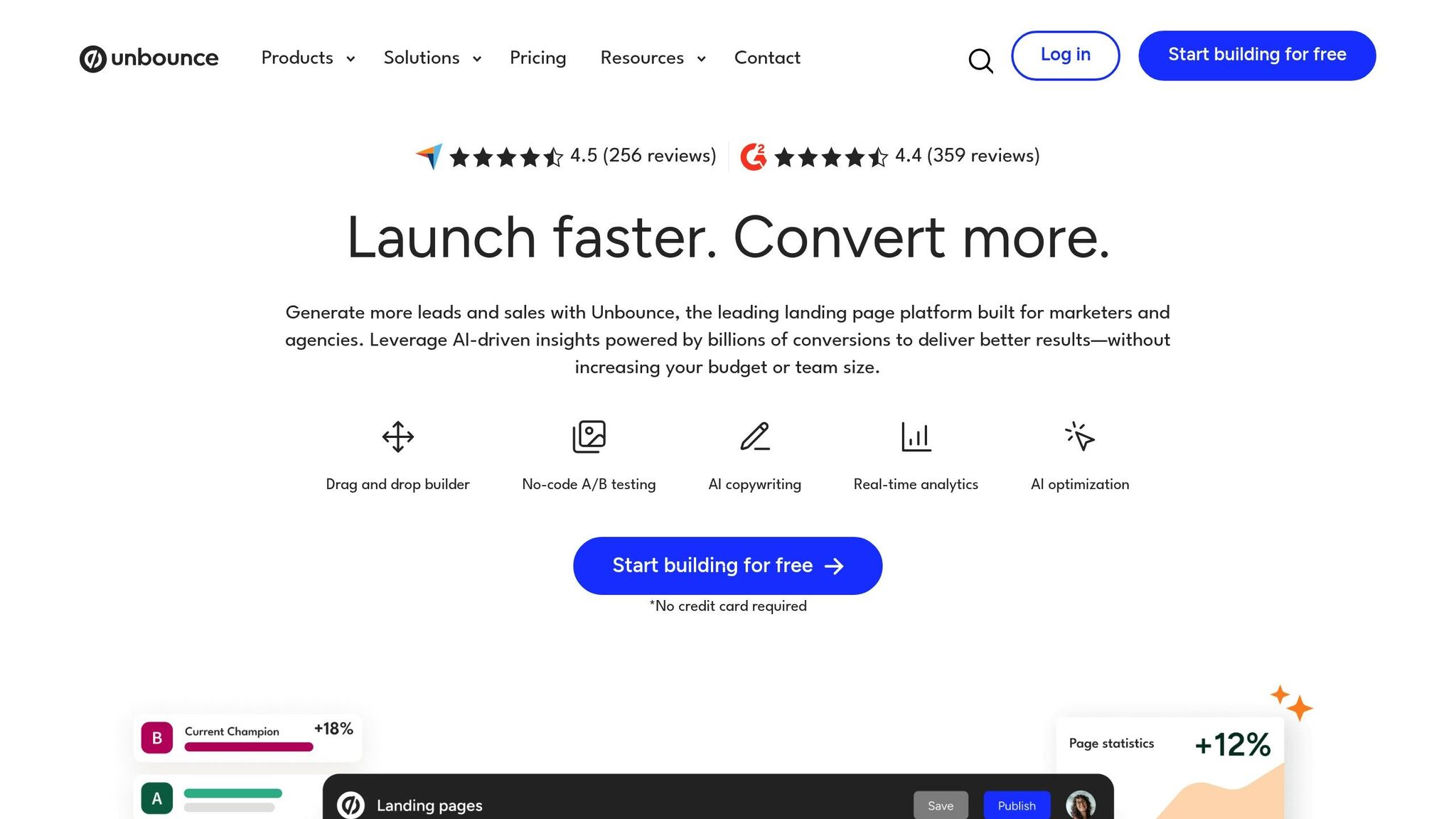
Unbounce focuses on boosting conversions through its "Smart Traffic AI", which directs visitors to the highest-performing page variant. Instead of a free plan, Unbounce offers a 14-day trial, with paid plans starting at $99 per month. It’s best for marketing teams with larger budgets who want to explore its advanced conversion tools before committing.
Landingi Free Plan
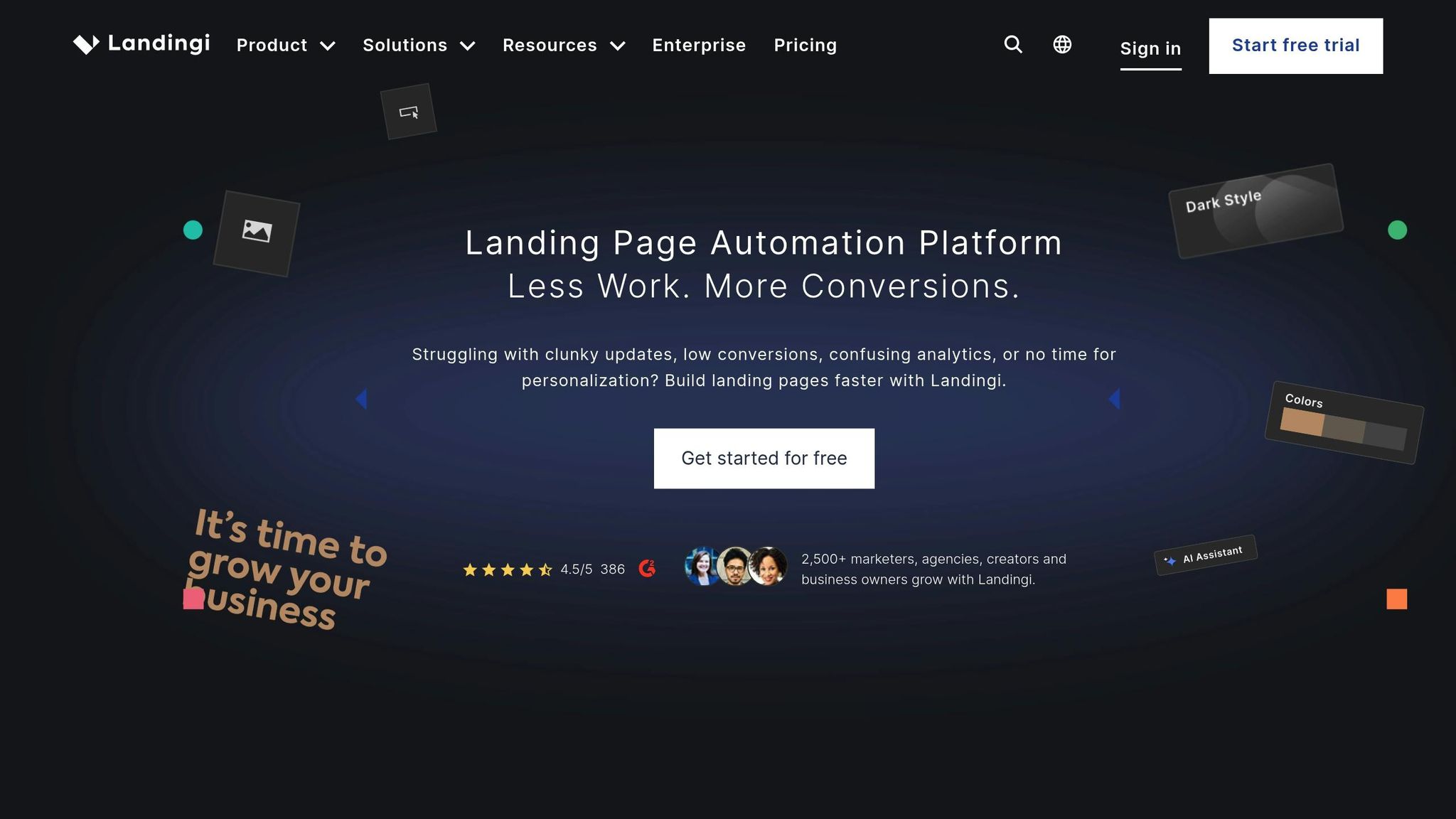
Landingi provides over 400 templates and features "Smart Sections", allowing you to update elements - like footers or call-to-actions - across all active landing pages simultaneously. The free plan limits you to 100 visits per month and five active landing pages. Landingi works well for small businesses managing multiple campaigns within these restrictions.
How to Optimize Free Landing Pages
Once you've picked a free landing page builder, the next step is to make it work for you. By focusing on smart design choices, writing compelling copy, and keeping a close eye on performance, you can make sure every part of your landing page works toward driving conversions. Let’s break it down into actionable steps.
Design Best Practices
A great landing page has one job: to guide visitors toward a single action. To do this effectively, you need to cut out anything that doesn’t support your conversion goal.
"When you give people too many choices, they often choose none. Pick one action you want visitors to take and stick to it." – Banafshe Salehi, Unbounce
Start by creating a clear visual hierarchy. Your headline and call-to-action (CTA) should grab attention immediately. Place these key elements "above the fold" so visitors see them without scrolling. Use design elements like size, color, and white space to make them stand out. Your headline, in particular, should focus on solving a problem for your audience rather than just describing your product.
"Your headline is the most valuable real estate on the page, so use it to deliver one clear and tangible promise." – Niels Klement, CMO at Perspective
With mobile traffic accounting for 62.73% of website visits, your design must be mobile-friendly. Opt for single-column layouts, large buttons that are easy to tap, and font sizes of at least 12 points to ensure readability on smaller screens.
Keep the overall design clean and simple. Use white space strategically to reduce visual clutter and direct attention to your key elements. Break up text with bullet points and short paragraphs to make your content easy to skim.
Building trust is another essential element. Add social proof near your CTA - this could be customer testimonials, recognizable client logos, or snippets of positive reviews.
"If there's one thing you can never have enough of, it's social proof. It's critical for building trust." – Niels Klement
Once your design is streamlined, it’s time to refine the elements that directly influence conversions.
Conversion Optimization
The average landing page converts at about 7%, but small adjustments can make a big difference. Start with your CTA button. Replace vague phrases like "Submit" or "Learn More" with action-driven text such as "Start My Free Trial", "Download the Guide", or "Get My Discount."
Simplify your forms by asking only for essential information. If an email address is all you need, don’t ask for additional details upfront - this reduces friction and boosts completion rates.
When writing your copy, focus on benefits rather than features. Instead of listing "Automated scheduling", explain how it helps, like "Save 5 hours every week." Make sure your messaging matches the visitor’s intent or the ad that brought them to your page.
Page speed is another critical factor. A one-second delay can reduce conversions by 7%, and over half of users will leave if a page loads too slowly. Compress images, use optimized formats like WebP, and avoid embedding large video files. While many free builders handle basic speed optimization, tools like Google’s PageSpeed Insights can help you double-check.
| Element to Optimize | What to Change | Expected Impact |
|---|---|---|
| Headline | Highlight benefits over features | Better engagement with your value proposition |
| CTA Button | Use specific, action-oriented text | Increased click-through rates |
| Form Fields | Limit to essentials | Higher form completion rates |
| Page Speed | Compress images, use optimized formats | Reduced bounce rates |
| Social Proof | Add testimonials near the CTA | Builds trust and eases hesitation |
A/B Testing and Analytics
After improving your design and copy, validate your changes through systematic A/B testing. Around 60% of companies test their landing pages, and even small tweaks can lead to major gains - sometimes up to 300%.
A/B testing involves creating two versions of your page with one key difference, such as the headline, button color, or hero image. Then, compare their performance. If your free builder doesn’t offer built-in testing tools, you can do it manually. Publish one version for a set period, track its performance with free tools like Google Analytics, and then test the alternate version.
Focus on high-impact elements first. Headlines, CTA text, hero images, and form lengths often provide the biggest returns. For instance, Amanda Stevens saw a 307% increase in conversions by changing her headline to a more direct and benefit-driven statement. Similarly, Carl Taylor tested two different hero images and found that a casual photo performed 75% better than a formal one.
To dig deeper, track metrics like form starts versus completions, scroll depth, and bounce rates. These insights can reveal where visitors lose interest or encounter friction.
Patience is key - wait until you’ve gathered enough data to make a confident decision. A 95% confidence level is the standard target, meaning there’s only a 5% chance your results are due to random variation. Avoid checking your data too early; stick to a set timeframe or visitor count before drawing conclusions.
"Continuously refining your user's experience to match search intent increases the likelihood of transforming casual browsers into qualified leads or customers." – Anxhela Tomani, Marketing Specialist, LanderLab
How to Choose the Right Free Builder
When selecting a free landing page builder, it’s important to align its features with your specific goals and best SaaS software solutions. For personal portfolios or link-in-bio pages, Carrd is a standout choice, offering a simple interface and a Pro plan priced at just $19 per year. If you’re a beginner looking for a quick and easy setup, SITE123 provides an intuitive section-based editor that gets you online fast.
For small businesses focused on lead generation and marketing, HubSpot and MailerLite are excellent options. HubSpot integrates seamlessly with its CRM tools and allows up to 30 landing pages on its free plan, while MailerLite supports 10 free pages and up to 1,000 subscribers, making it a great choice for email automation without needing extra tools.
If having full control over design is a top priority - think creative portfolios or brand showcases - Wix and Webflow deliver. Wix offers over 110 templates and an AI design generator to help you get started quickly. Meanwhile, Webflow provides precise CSS control and clean code output, making it ideal for designers or those willing to invest time in learning its interface. However, keep in mind that Webflow’s learning curve is steeper than most.
Be sure to examine the details of free plans. Most platforms require using a subdomain (e.g., yourname.wixsite.com) and display their branding. If a polished, professional look is essential, HubSpot is known for having the most subtle branding among free options. Watch out for traffic limits, too - GetResponse caps free pages at 1,000 unique visits per month, while Landingi allows only 100 visits. If you anticipate higher traffic, look for platforms with more generous allowances.
Don’t forget to think about upgrade paths. For example, Carrd’s Pro plan is budget-friendly at $19 per year, while platforms like Unbounce start at $99 per month, which may not suit everyone. Also, opt for builders that don’t require a credit card upfront to avoid unexpected charges.
Conclusion
By 2026, free landing page builders have made it easier than ever for marketers to test ideas and grow their audience without the burden of upfront costs. As Ansif, UIUX Expert at VictorFlow, explains:
"In 2026, the barrier to entry for building sleek, effective landing pages has all but disappeared".
These tools let you experiment, refine, and expand your reach without financial risk. To make the most of this evolving landscape, it’s essential to focus on continuous improvements - from making small design updates to incorporating smart integrations that enhance your landing page's performance.
When choosing a landing page builder, prioritize features that align with your goals and allow room for growth. Whether you need advanced CRM tools from HubSpot or MailerLite, design flexibility with Wix or Webflow, explore open-source CMS alternatives for more control, or a simple, cost-effective solution like Carrd (with Pro plans starting at just $19 per year), there’s a tool to match your needs.
Interestingly, only 17% of marketers currently optimize their landing pages, leaving a huge opportunity for improvement. To maximize conversions, focus on essentials like mobile responsiveness, fast load times, and clear calls-to-action - strategies covered earlier in this guide. Free plans provide a risk-free environment to test and refine your approach before committing to paid upgrades, such as custom domains or advanced analytics.
While free plans come with limitations, their advantages often outweigh these drawbacks. Their real strength lies in eliminating barriers between your ideas and live pages. This allows you to test your messaging, gather leads, and build momentum - all while staying within your budget.
FAQs
Which free builder is best for my goal?
When picking the best free landing page builder, your choice will hinge on what matters most to you - whether that's ease of use, design options, or integrations. Wix stands out for its drag-and-drop editor and a library of over 110 templates, making it great for visual customization. If you're looking for seamless integration with CRM and SEO tools, HubSpot’s free builder is a solid option. For those who value simplicity without sacrificing performance, Wix, HubSpot, and Mailchimp are excellent choices. The right tool depends on your priorities, whether it's design flexibility, built-in features, or straightforward usability.
What free-plan limits will block growth first?
Free plans often come with limitations that can hold back your growth. These might include caps on the number of landing pages you can create, restricted access to advanced tools like AI-driven optimization or personalization, and limits on bandwidth or storage. Such constraints can make it challenging to scale your campaigns or broaden your audience effectively.
How can I track conversions without paid analytics?
Tracking conversions doesn't have to cost a dime. Many free landing page builders come with built-in analytics tools that handle this for you. Take LanderLab, for example - it lets you monitor key metrics like visits, clicks, leads, and conversions without spending extra. This means you can gather the data you need to fine-tune your landing pages without investing in paid analytics tools.