Omnichannel support metrics help businesses monitor customer interactions across platforms like email, chat, social media, and phone. These tools ensure a cohesive experience by tracking key metrics such as Customer Satisfaction Score (CSAT), First Contact Resolution (FCR), and Average Handle Time (AHT). Companies using unified strategies retain 89% of their customers, compared to 33% for less integrated approaches.
Here are some of the leading tools for tracking these metrics:
- Zendesk: Tracks channel transitions and offers AI-powered analytics. Best for regulated industries like healthcare and finance. Starting at $55/agent/month.
- Zoho Desk: Features a Control Station for performance monitoring and AI-driven insights. Ideal for teams needing CRM integration. Starting at $14/user/month.
- Freshdesk: Focuses on ticket volume, SLA compliance, and AI automation. Great for e-commerce and tech companies. Starting at $15/user/month.
- Gorgias: Designed for e-commerce, linking support performance to revenue. Custom pricing.
- Pylon: B2B-focused, offering account health scores and churn risk analysis. Custom pricing.
Quick Comparison:
| Tool | Key Metrics | Best For | Starting Price |
|---|---|---|---|
| Zendesk | CSAT, AHT, wait times | Regulated industries | $55/agent/month |
| Zoho Desk | SLA compliance, CSAT | CRM-integrated teams | $14/user/month |
| Freshdesk | Ticket volume, SLA compliance | E-commerce, tech companies | $15/user/month |
| Gorgias | Revenue-linked metrics | E-commerce | Custom pricing |
| Pylon | Account health, churn risk | B2B companies | Custom pricing |
These tools help businesses improve response times, reduce customer frustration, and streamline operations. Select one based on your industry, team size, and budget.
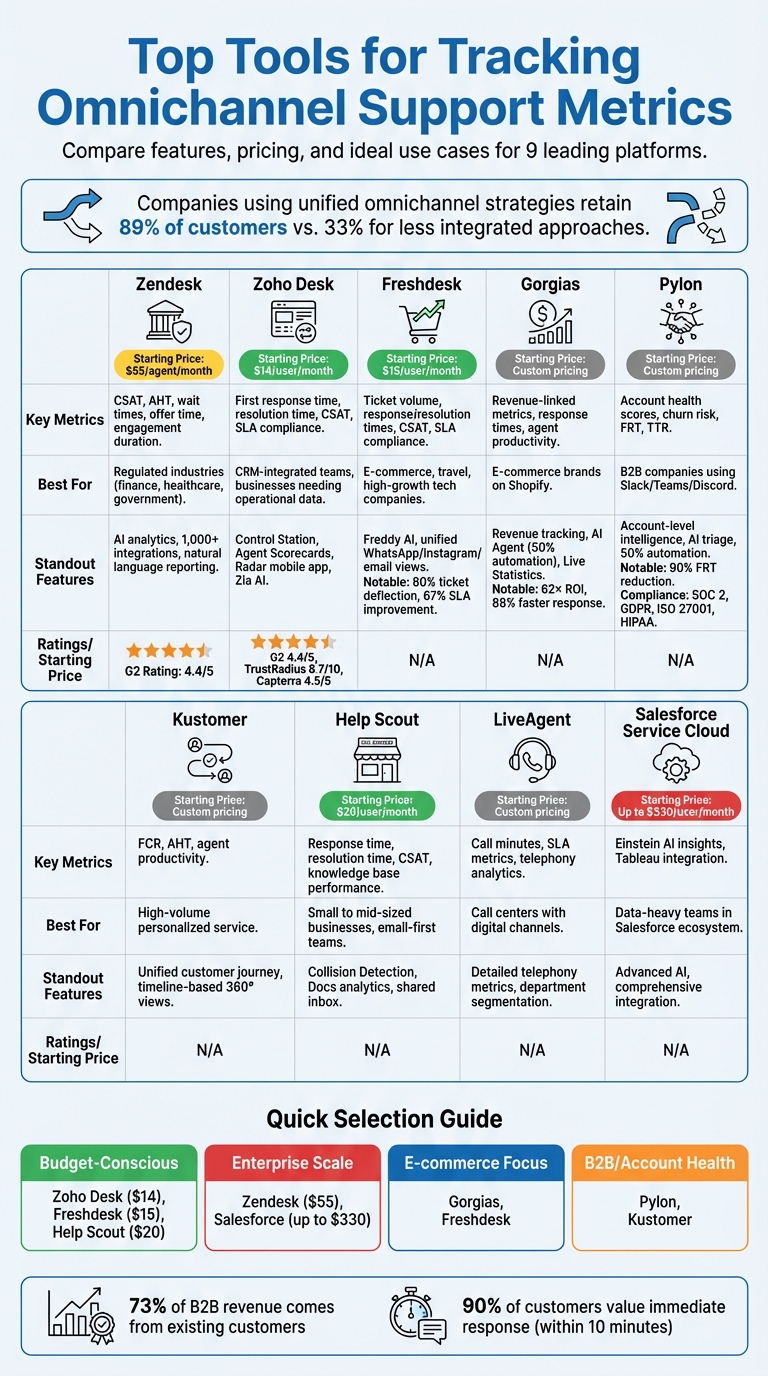
Comparison of Top 9 Omnichannel Support Tracking Tools: Features, Pricing, and Best Use Cases
Leading Tools for Tracking Omnichannel Metrics
Zendesk
Zendesk tracks every channel transition as a unique engagement while maintaining the full context of customer interactions. Its prebuilt routing dashboards provide real-time insights into key metrics like offer time, engagement duration, and wait times.
The platform also integrates AI-powered analytics, allowing teams to generate reports by simply typing natural language queries - making data retrieval as easy as asking a question.
"One thing that caused us to switch to Zendesk was the expansive amount of reporting capabilities it offers. With Zendesk, we can track anything we want and eliminate manual work like tagging tickets by using triggers and automations".
Zendesk is scalable for businesses of all sizes and is particularly suited for industries with strict data regulations, such as finance, healthcare, and government. It supports over 1,000 integrations with platforms like Shopify and Slack. Advanced omnichannel metrics are available through Explore Professional or Enterprise plans, which are part of the Suite Professional, Enterprise, and Enterprise Plus tiers.
| Feature | Details |
|---|---|
| Key Metrics | Offer time to agent, engagement duration, wait times |
| Standout Features | AI analytics, natural language reporting, 1,000+ integrations, prebuilt dashboards |
| Best For | Regulated industries like finance, healthcare, and government |
| G2 Rating | 4.4/5 |
| Pricing | Suite Professional, Enterprise, and Enterprise Plus plans; Explore Professional or Enterprise required for advanced metrics |
Zoho Desk
Zoho Desk simplifies omnichannel tracking through its Control Station, which consolidates performance data across 10+ channels into a single view. Managers can easily oversee team performance without switching tabs. The platform also offers Agent Scorecards to monitor CSAT, ticket traffic, and agent expertise, helping identify top performers and training opportunities.
For real-time monitoring, the Radar mobile app provides instant access to metrics like resolution time, live traffic, and individual agent performance - all from a smartphone. For deeper insights, Zoho integrates with Zoho Analytics, which includes 75+ prebuilt reports and dashboards. The Zia AI assistant adds another layer of convenience by enabling custom report generation through natural language queries.
"What I like the most is that I was able to create dashboards or reports for our help desk in a matter of minutes which... justifies the monthly cost".
Zoho Desk is ideal for businesses that want to connect support data with other metrics, such as CRM or financial systems. Zoho Analytics is trusted by millions of users across 20,000 companies.
| Feature | Details |
|---|---|
| Key Metrics | First response time, resolution time, CSAT, ticket traffic, agent expertise, SLA compliance |
| Standout Features | Control Station dashboard, Agent Scorecards, Radar app, Zia AI assistant, 75+ prebuilt reports |
| Best For | Businesses needing integrated support and operational data |
| G2 Rating | 4.4/5 |
| TrustRadius Rating | 8.7/10 |
| Capterra Rating | 4.5/5 |
| Pricing | Free trial available for Enterprise plan |
Freshdesk
Freshdesk provides a unified view of channels like WhatsApp, Instagram, email, and text, making it easy to track metrics such as ticket volume, response times, CSAT scores, and SLA compliance. Real-time custom dashboards help identify operational bottlenecks, while Freddy AI enhances agent productivity and automates query resolution.
In 2025, PhonePe, a digital payment platform, reduced 80% of its customer support tickets using Freshdesk's chatbots to serve its 300 million users. Similarly, Thomas Cook improved its first-response SLA by 67% after adopting Freshdesk's omnichannel platform.
Freshdesk is budget-friendly and packed with features, though some users find its interface less modern compared to competitors. The platform offers a 14-day free trial, making it accessible for businesses in e-commerce, travel, and tech sectors that require rapid AI deployment.
| Feature | Details |
|---|---|
| Key Metrics | Ticket volume, response/resolution times, CSAT, SLA compliance, channel performance |
| Standout Features | Freddy AI, unified views for WhatsApp/Instagram/email, real-time dashboards |
| Best For | E-commerce, travel, and high-growth tech companies |
| Pricing | 14-day free trial, no credit card required |
| Notable Results | 80% ticket deflection (PhonePe), 67% SLA improvement (Thomas Cook) |
Kustomer
Kustomer emphasizes unified customer journey reporting, tracking metrics like First Contact Resolution (FCR), Average Handle Time (AHT), and agent productivity. Its single dashboard provides a seamless view of interactions across channels, making it easier to pinpoint where customers face challenges. This operational focus helps teams improve both efficiency and satisfaction.
Help Scout
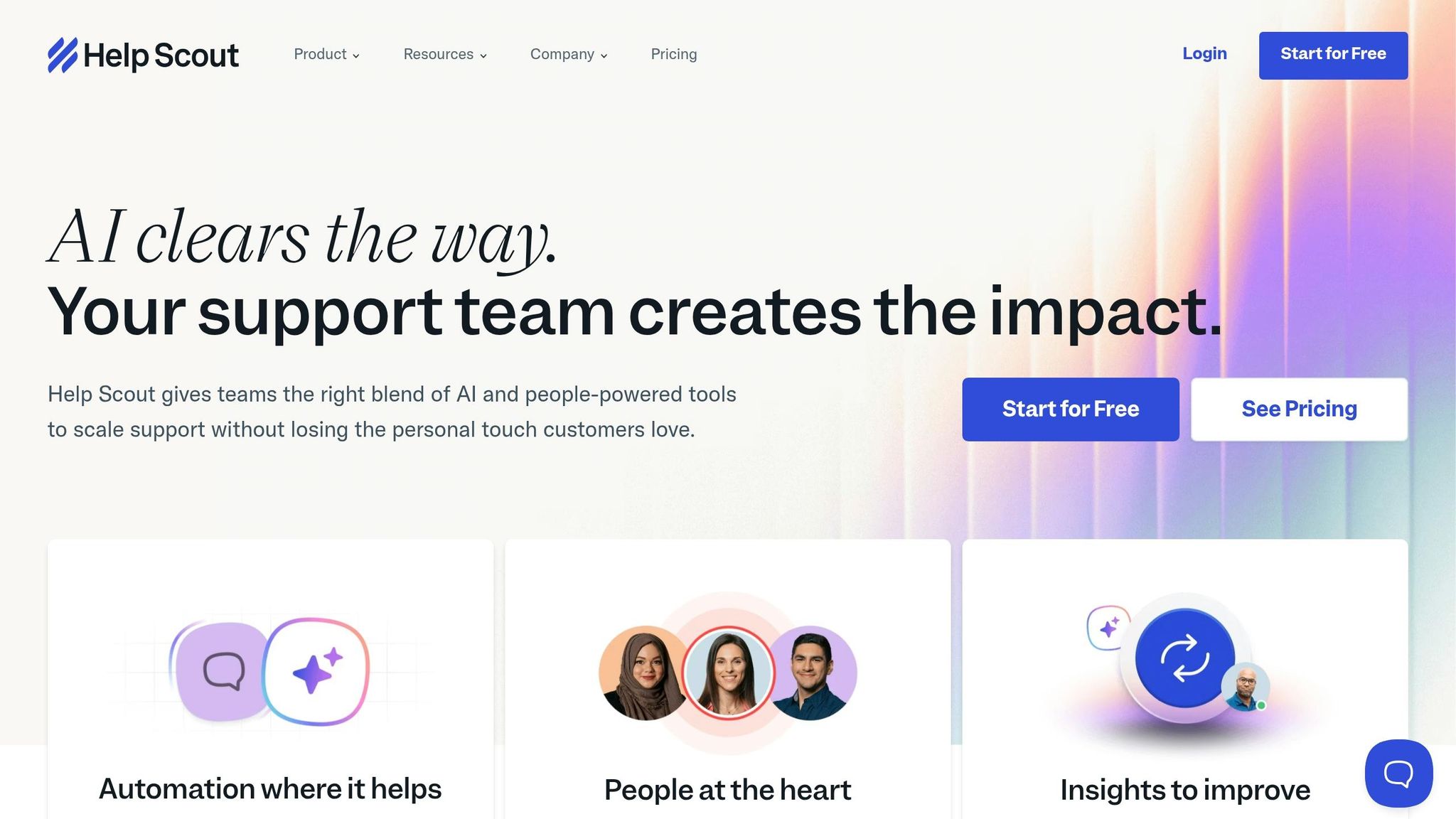
Help Scout takes a straightforward approach to tracking metrics such as response time, resolution time, and CSAT. Its shared inbox analytics monitor agent productivity and customer satisfaction, while Collision Detection prevents multiple agents from responding to the same ticket, reducing confusion.
The platform also tracks knowledge base performance through Docs analytics, showing which articles are most effective at deflecting tickets. These insights help teams measure the impact of self-service options and improve help center content. With customizable reports, Help Scout caters to small and mid-sized businesses seeking powerful analytics without complex setups.
| Feature | Details |
|---|---|
| Key Metrics | Response time, resolution time, CSAT, agent productivity, knowledge base performance |
| Standout Features | Collision Detection, Docs analytics, shared inbox tracking |
| Best For | Small to mid-sized businesses focused on simplicity and customer satisfaction |
| Approach | Easy-to-use, clean metrics |
sbb-itb-e3aed85
3 Key Metrics for Seamless Omnichannel Customer Experiences
Newer Tools for Omnichannel Support Metrics
New platforms are reshaping how businesses measure omnichannel support, offering tools that focus on revenue and account-level insights.
Gorgias
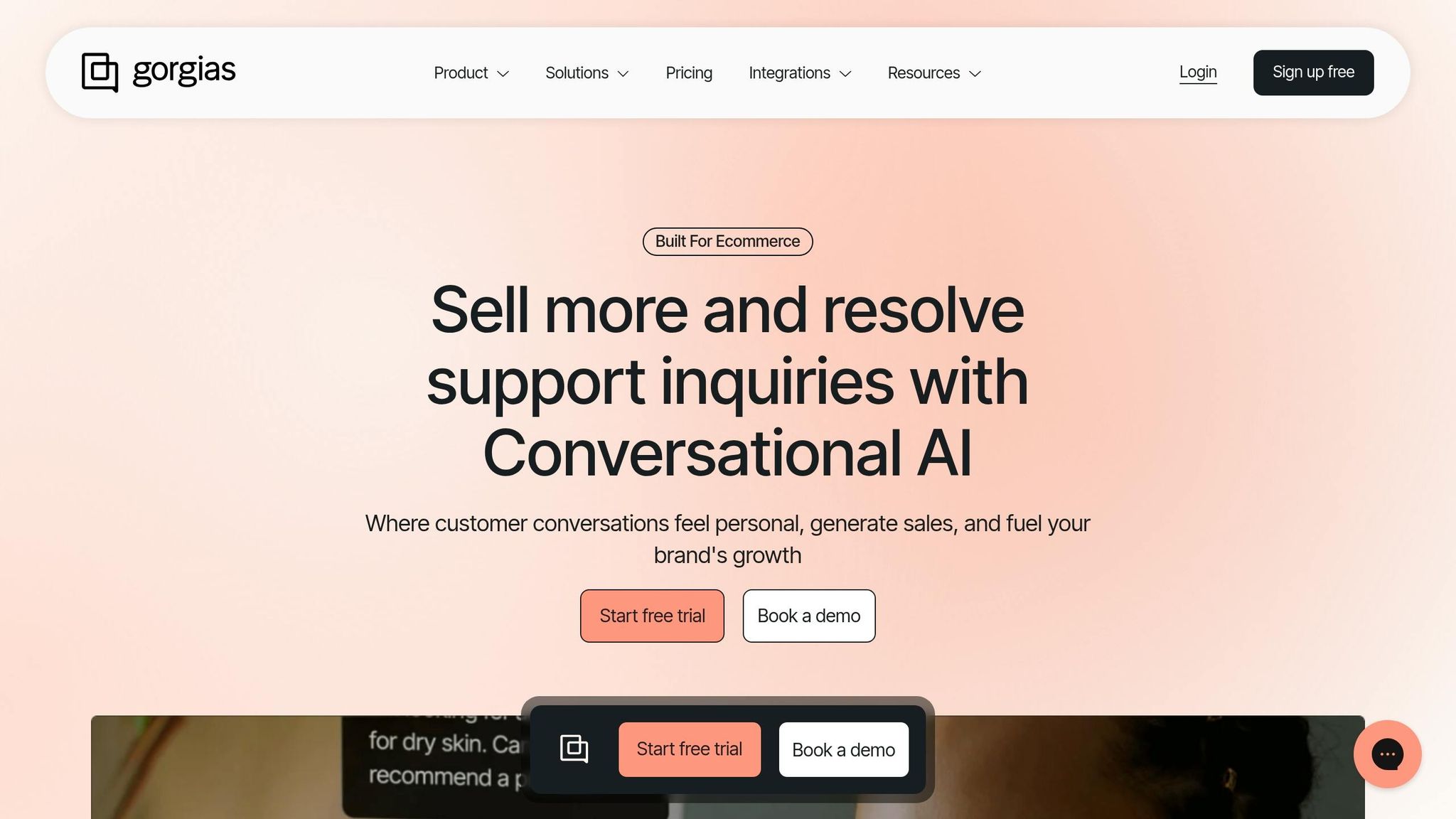
Gorgias is tailored for ecommerce businesses, going beyond traditional helpdesk metrics by tracking revenue generated directly from support interactions. This approach transforms customer service into a profit-driving function. For Shopify stores on Pro and higher plans, Gorgias provides accurate productivity data by measuring agents' active screen time and pausing during inactivity. It also uses median calculations for first response and resolution times to avoid skewed results from outliers.
The platform's effectiveness is evident in real-world examples: TruWood achieved a 62× return on investment and reduced labor costs by 60%, while Olipop cut response times by 88% and saw a 25× ROI. Its AI Agent can autonomously handle up to 50% of eligible support inquiries, reducing the need for human intervention.
Gorgias also features Live Statistics dashboards, offering real-time insights into ticket volume, agent activity, and channel usage across email, chat, social media, and voice.
"Live Statistics on Gorgias is your destination to get a quick overview of ticket volume, agent activity and active channels in real-time".
This aligns with research showing that 90% of customers value an "immediate" response, with 60% considering "immediate" to mean within 10 minutes or less.
For ecommerce brands aiming to link customer support performance directly to revenue, Gorgias stands out. A free trial is available, with advanced features like Gorgias Voice offered as paid add-ons.
While Gorgias excels in ecommerce, other platforms focus on call center metrics and account-level analytics.
LiveAgent
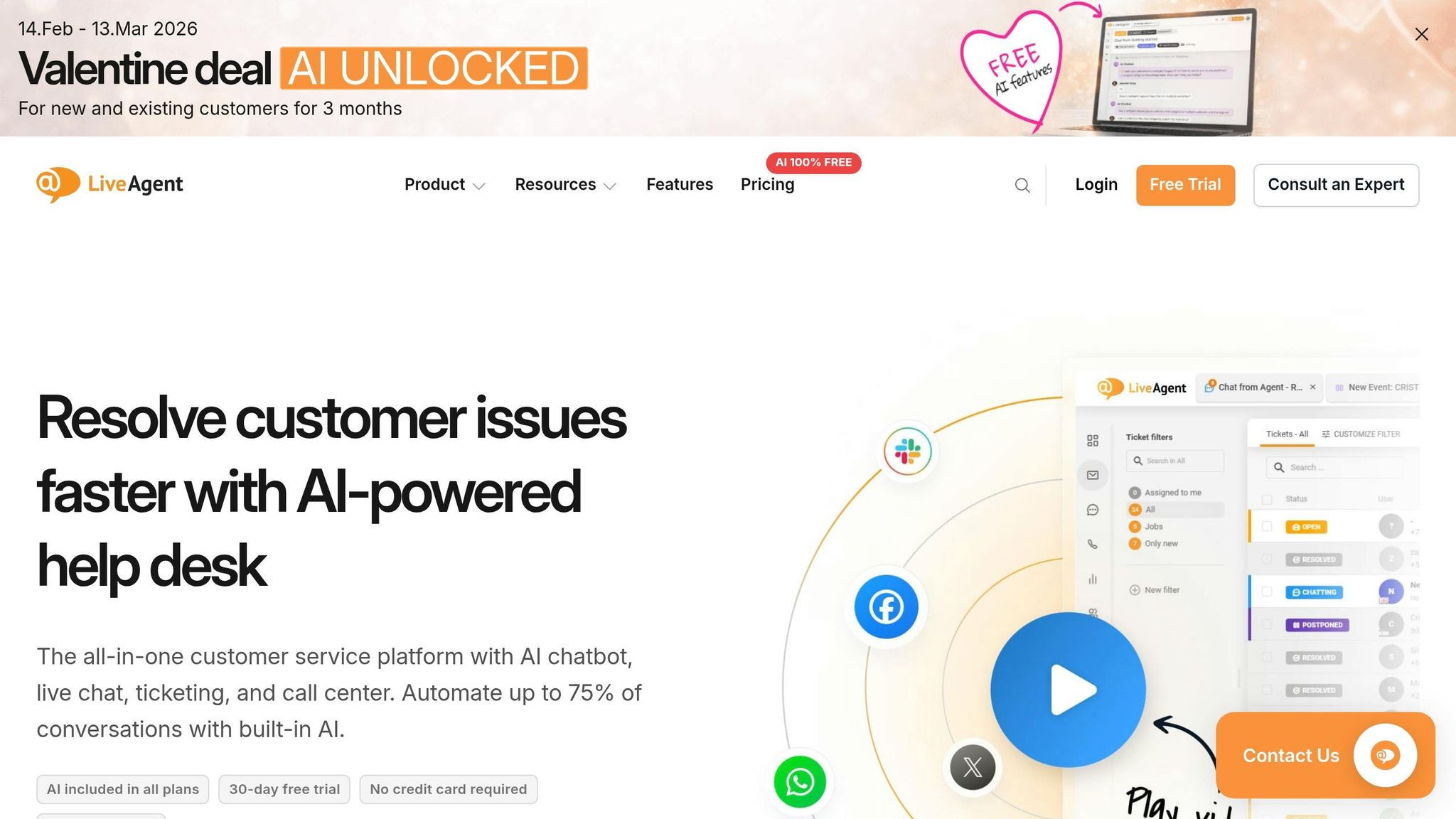
LiveAgent offers a versatile analytics suite, making it a strong choice for businesses managing call centers alongside digital support channels. It tracks detailed telephony metrics, such as call minutes, missed calls, average pick-up times, and internal call durations. Additionally, it provides granular SLA metrics, including first assign, first resolve, and open answer.
Managers can segment performance reports by department, tag, or agent to identify areas for improvement. These reports can also be exported as CSV files for further analysis. LiveAgent offers a 30-day free trial for businesses to test its capabilities.
"An analytics overview can help you pinpoint the exact areas of your business that need improvement".
For businesses that prioritize overall account health over individual ticket metrics, the next tool offers a broader perspective.
Pylon
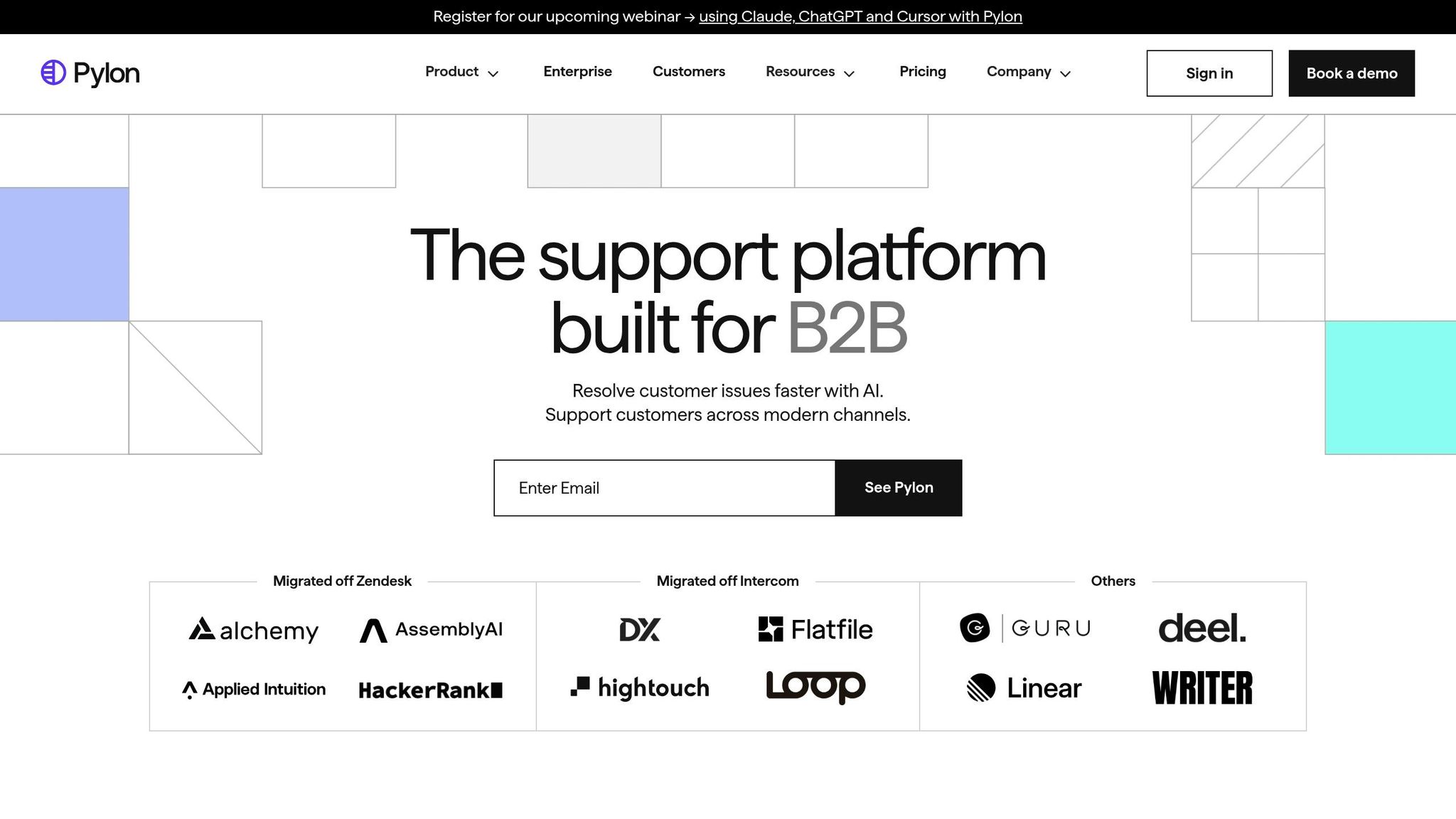
Pylon shifts the focus to account-level intelligence, making it ideal for B2B companies. It consolidates data from support, success, and sales teams, unifying conversations across platforms like Slack Connect, Microsoft Teams, Discord, and community forums. This approach delivers detailed account health scores and churn risk analysis.
The platform excels in areas where traditional helpdesks often fall short, such as measuring First Response Time (FRT) and Time to Resolution (TTR) within Slack threads and community channels. Its AI-driven triage converts Slack messages into tickets and identifies knowledge gaps, streamlining support workflows.
The results speak for themselves. In 2025, Sardine replaced Zendesk with Pylon in just five days, cutting FRT by 90% - from 35 minutes to under 3.5 minutes. Similarly, Wispr Flow achieved resolution times that were eight times faster, even as ticket volume increased by 76%. Pylon's AI agents also handle around 50% of eligible inquiries without human involvement.
"Pylon works with all of our existing systems seamlessly. We use Intercom to support all our self-service customers and Pylon just works with all the workflows, processes, and reporting we have set up already."
– Pritak P., Mid-Market Executive
Pylon is compliant with SOC 2 Type II, GDPR, ISO 27001, and HIPAA standards, ensuring data security. With $50M in funding, including a $31M Series B raised in August 2025, Pylon is a top-rated platform on G2, making it a strong choice for B2B companies aiming to link support metrics to account health and revenue risk.
How to Select and Implement These Tools
Choosing the right support tool requires aligning your business's specific needs with the capabilities of available solutions. Here's how to approach it.
Start by mapping out your customer contact channels. For instance, B2B companies often rely heavily on platforms like Slack, Microsoft Teams, and email for customer interactions. On the other hand, B2C businesses tend to manage larger volumes of inquiries through social media, live chat, and phone support. Since 73% of B2B revenue typically comes from existing customers, tools that focus on metrics like account health and churn risk should take precedence over those that simply track ticket volume. This step helps you focus your evaluation process and estimate deployment costs and timelines more effectively.
Next, consider the size of your team and the technical resources at your disposal. Larger platforms like Zendesk (starting at US$55 per agent per month) or Salesforce Service Cloud (up to US$330 per user per month) usually require dedicated administrators and can take anywhere from 2 to 8 weeks to implement. Meanwhile, smaller teams might benefit from tools like Pylon or Help Scout, which are budget-friendly (ranging from US$13 to US$20 per user per month) and can be set up in just a few days. Quick deployment tools allow teams to hit the ground running, enabling fast access to metrics and workflow improvements.
Once you've aligned your budget and resources, a phased rollout strategy can help maximize efficiency. Begin with the channels that handle the highest volume of inquiries. This approach minimizes disruption and gives your team the opportunity to adjust workflows gradually. As William Westerlund observed in August 2025:
"The most significant productivity gains come not from adding more features, but from reducing the friction of context-switching between applications".
For teams that rely heavily on Slack, tools like Pylon are particularly effective. They treat Slack as a core support channel, eliminating the need to jump between multiple apps.
Finally, be mindful of hidden costs that could increase the total expense of ownership. For instance, Zendesk charges an extra US$50 per agent per month for advanced AI features, whereas Freshdesk includes AI functionality in all paid plans starting at just US$15 per user per month. Teams operating on tight budgets should weigh whether they need a comprehensive all-in-one platform or a system that enhances existing tools without replacing them entirely.
Here’s a quick comparison of popular tools:
| Tool | Primary Analytics Strength | Best For | Starting Price |
|---|---|---|---|
| Zendesk | Advanced reporting & AI-powered insights | Large enterprises with complex operations | US$55/agent/month |
| Salesforce | Einstein AI & Tableau integration | Data-heavy teams in the Salesforce ecosystem | Up to US$330/user/month |
| Freshdesk | Freddy AI for sentiment & response suggestions | SMBs seeking affordable AI | US$15/user/month |
| Zoho Desk | Zia AI for contextual predictions | Cost-conscious teams needing CRM integration | US$14/user/month |
| Kustomer | Timeline-based customer 360° views | High-volume personalized service | Custom pricing |
| Help Scout | High-level channel stats & simple reporting | Email-first teams valuing simplicity | US$20/user/month |
| Gorgias | Specialized for ecommerce; integrates order, shipping, and refund data | Ecommerce brands on Shopify | Custom pricing |
| LiveAgent | Detailed telephony & SLA metrics | Call centers with digital channels | Custom pricing |
| Pylon | Account-level health signals & churn risk detection | B2B teams supporting Slack/Teams | Custom pricing |
Conclusion
Tracking omnichannel metrics is key to delivering seamless customer experiences that foster both loyalty and revenue growth. A centralized tool that consolidates customer conversations into one interface can make all the difference. With over 50% of consumers valuing customer experience as much as the product itself and 75% linking exceptional service to brand loyalty, it's clear that investing in the right tools is a smart move.
This guide has highlighted a range of solutions designed to meet various business needs. From robust enterprise platforms like Zendesk and Salesforce Service Cloud to B2B-focused tools like Pylon and cost-effective options like Freshdesk, each offers unique capabilities. Whether your priority is managing thousands of daily emails or monitoring account health to reduce churn, these tools provide the automation, unified analytics, and contextual insights that modern support teams need to thrive. Choosing the right platform ensures your operational goals align with measurable outcomes.
In 2023, 69% of consumers expressed a desire for improved customer experience. This rising demand underscores the importance of eliminating disconnected support channels and incomplete customer data. The tools covered here address these challenges by delivering real-time insights and fostering collaboration, enabling businesses to achieve tangible results.
To explore more options, visit the All SaaS Software Directory (https://saassoftware.org), curated by John Rush. This resource makes it easy to discover both established platforms and emerging tools tailored to your omnichannel strategy, helping teams find the right solutions for their specific needs.
FAQs
Which omnichannel metrics matter most for my support team?
Key metrics for omnichannel support center around efficiency, customer satisfaction, and overall performance. Some of the most important ones are:
- First response time: Measures how quickly a support team engages with a customer after their initial inquiry.
- Resolution time: Tracks how efficiently customer issues are resolved from start to finish.
- Customer satisfaction scores (CSAT): Reflects how customers feel about the quality of support they received.
Other useful metrics include agent productivity, which evaluates individual and team performance, ticket volume, to monitor the workload, and SLA compliance, which ensures service standards are consistently met across all channels. Together, these metrics provide a clear picture of how well the support system is functioning and where improvements can be made.
How do I choose the right tool for B2B vs. ecommerce support?
When it comes to B2B support, it's all about tools that bring everything together. Look for platforms that unify communication channels, leverage AI to manage tickets efficiently, and help organize scattered conversations into one cohesive thread.
For e-commerce, the priority shifts to ensuring smooth customer experiences across different touchpoints - whether it's your website, marketplaces, or social media. These platforms should make transitions between channels effortless for your customers.
No matter your industry, keep an eye on a tool's ability to scale as your business grows, how well it integrates with your existing systems, and whether it fits your omnichannel or multichannel strategy. These factors are key to meeting both your operational goals and your customers' expectations.
What hidden costs should I watch for in support analytics tools?
Hidden costs in support analytics tools often catch businesses off guard. For example, vendor lock-in can trap you with a single provider, making it expensive and complicated to switch to another solution later. Outdated technology is another culprit - it not only slows down operations but can also lead to lower productivity and even agent burnout, which adds to your overall costs.
On top of that, poor data quality or incomplete analytics can steer your decision-making in the wrong direction, potentially causing more harm than good. Tools that lack scalability or automation can also be a financial drain. As your support needs grow, you might face hefty upgrade fees or end up relying on manual processes, which take time and money. It's crucial to evaluate these factors upfront to avoid these hidden expenses.