Interactive notifications let users take action directly from the notification, saving time and improving engagement. Here's a quick breakdown of five SaaS apps using them effectively:
- Slack: Quick reply notifications for tasks like approvals or ticket updates without leaving the app.
- Figma: Optional product tours that guide users through new features with hands-on interaction.
- Notion: Changelog cards that highlight updates with clear actions like "Show me" for deeper exploration.
- Ramp: Trial reminders placed subtly in the interface to encourage exploring premium features.
- OneSignal: Gamified push notifications with progress tracking and rewards to keep users engaged.
These approaches focus on timing, clarity, and reducing workflow interruptions, driving higher retention and engagement.
Quick Comparison:
| App | Key Feature | Interaction Type | Benefit |
|---|---|---|---|
| Slack | Quick replies in notifications | Buttons, menus, date pickers | Faster task completion |
| Figma | Product update tours | Interactive modals | Smooth feature adoption |
| Notion | Changelog cards | Hover actions, guided tours | Easy update exploration |
| Ramp | Trial reminders | Sidebar cards, feedback options | Subtle subscription nudges |
| OneSignal | Gamified push notifications | Progress tracking, rewards | Increased engagement and retention |
Interactive notifications aren't just alerts - they're tools to simplify tasks and keep users engaged.
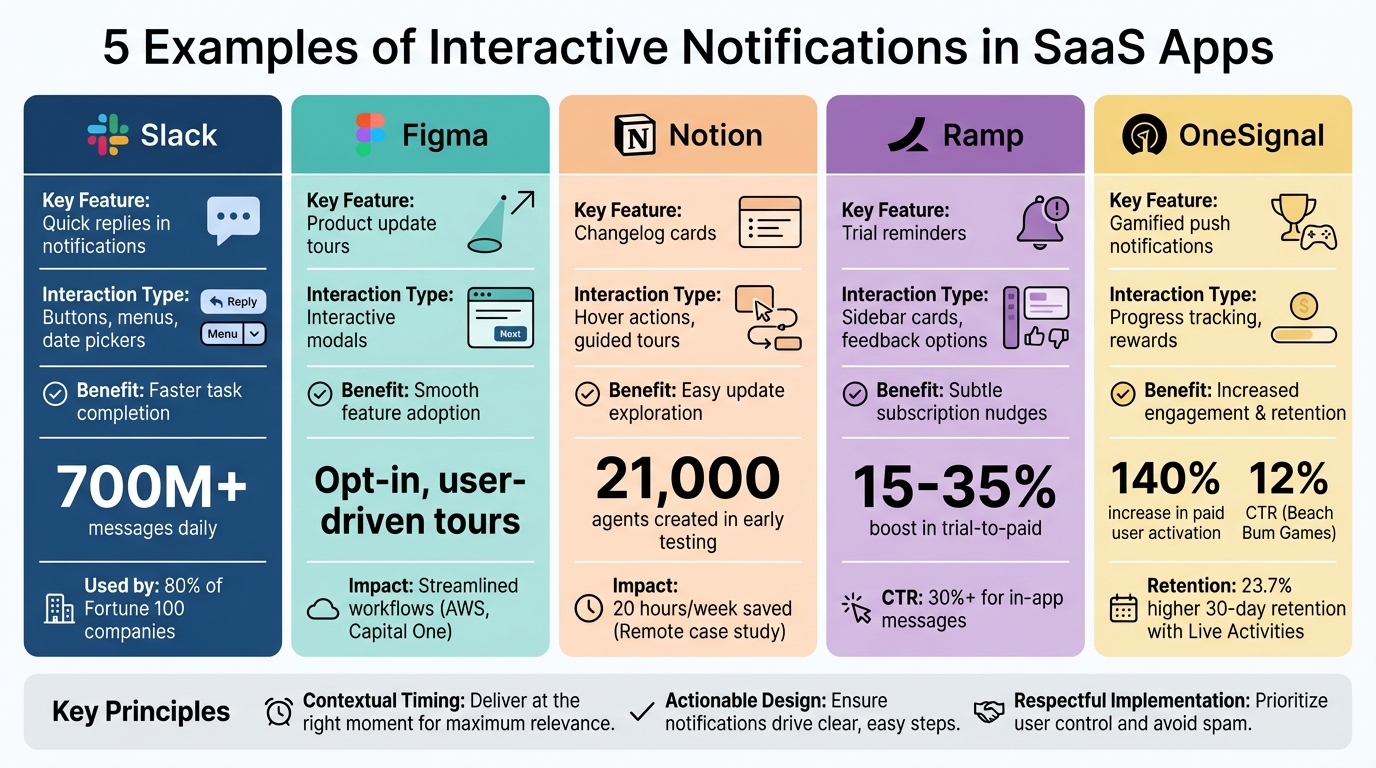
5 SaaS Apps Using Interactive Notifications: Feature Comparison
Personalize Your Messaging with Event-based Notifications
sbb-itb-e3aed85
1. Slack's Quick Reply Notifications
Slack's quick reply notifications allow users to handle tasks directly within their chat window using interactive tools like buttons, select menus, and date pickers. Instead of navigating to a separate browser tab, users can approve requests, assign tickets, or update statuses - all without leaving Slack. This reduces interruptions and makes juggling multiple tools a lot smoother.
Purpose of the Notification
These notifications are designed to go beyond simple alerts, turning them into actionable workflows. For instance, if a server crashes or a support ticket requires immediate attention, Slack's real-time notifications ensure users are alerted within seconds. They can then respond or update data directly in Slack. A great example of this is the incident management tool incident.io, which uses clear headers, dividers, and emoji-labeled buttons to speed up issue resolution. Adding visually engaging design elements further streamlines these workflows.
User Engagement Features
Interactive features in Slack are powered by its Block Kit framework, which includes color-coded action buttons - green for approvals, red for rejections - that provide instant visual clarity. Features like dynamic message updates, emoji cues, and threaded replies help keep notifications organized and easy to follow. Considering Slack processes over 700 million messages daily, these design elements are essential for maintaining clarity and engagement.
"An injection of interactivity invites and inspires action (and reaction). Best of all, users never have to depart from the comfort of Slack to get things done." – Slack Developer Docs
Impact on User Retention
By allowing users to take action directly within Slack, these notifications help boost engagement. With nearly 80% of Fortune 100 companies using Slack Connect for communication, Slack has become a central hub for SaaS integrations. Delivering high-value, interactive notifications instead of generic alerts keeps users engaged and reduces the likelihood of abandoned tasks. The key is striking the right balance - completing smaller tasks within Slack while linking to the full app for more complex workflows. This seamless integration not only encourages immediate action but also strengthens long-term user loyalty.
"The best business chat integrations think of notifications as an opportunity to drive action and value for users." – Sam Seely, Co-Founder + CEO, Knock
2. Figma's Product Update Tours
While Slack prioritizes quick task resolution, Figma takes a different approach by offering optional, user-driven product tours. Instead of overwhelming users with popups as soon as they log in, Figma allows them to decide when they're ready to explore new features. This approach keeps interruptions to a minimum and ensures that users engaging with the updates are genuinely interested.
Purpose of the Notification
Figma’s tours introduce updates through contextual, in-app guidance. For example, during the rollout of major features from Config 2024, Figma used a visually engaging design with color-coded blocks to highlight different updates. The tour begins with template selection and moves through grid views, slide customization, and tool options, gradually revealing key functionalities. This structured walkthrough helps users explore features step-by-step, creating an experience that feels intuitive and engaging.
Ease of Interaction
Figma’s product tours stand out because of their interactive, hands-on design. Users progress by clicking on highlighted elements within the interface, enabling them to learn by doing, which reinforces their understanding of new features. The modals include simple calls-to-action like "Get Started" or "Back to Files", giving users the flexibility to either dive in immediately or return to their tasks without pressure.
"Making product tours opt-in is a best practice, as unsolicited product tours popups can feel invasive – like a game of whack-a-mole. By opting in, users express their interest and readiness to engage." – Frigade
Impact on User Retention
This thoughtful design approach has clear benefits for user engagement. Case studies from companies like AWS and Capital One show that Figma’s interactive updates help streamline workflows and encourage feature adoption by minimizing unnecessary UI clutter. Jack Fagan, a Designer at Capital One, highlighted how these updates allow teams to focus on creating user flows instead of juggling multiple UI states. By delivering guidance directly within the context of user actions, Figma transforms update notifications into tools for retention and productivity, all without interrupting workflows.
3. Notion's Changelog Engagement Cards
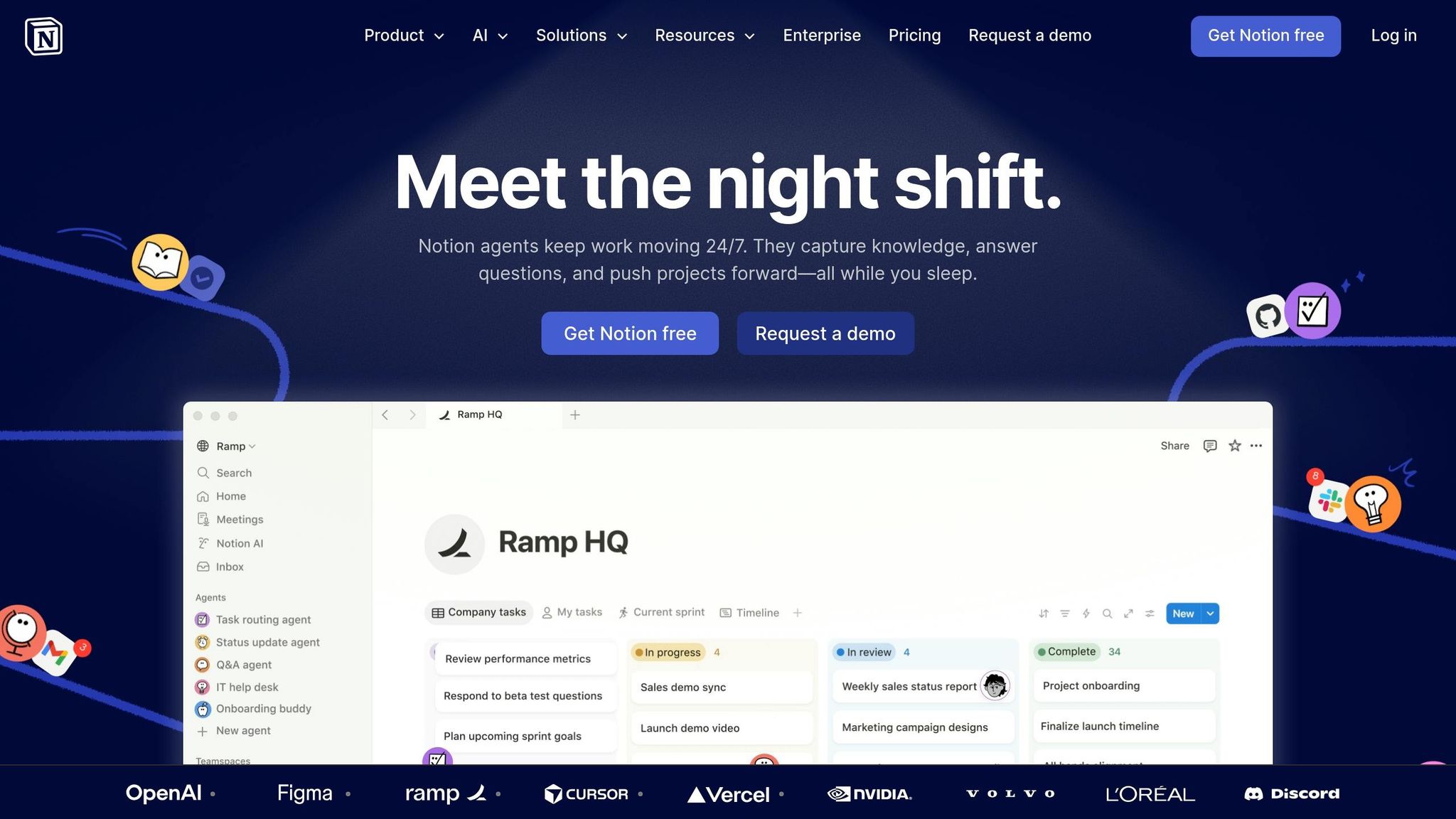
Notion incorporates changelog cards directly into its "Updates" inbox, offering a seamless way to announce new features without disrupting the user experience. Instead of lengthy release notes, these cards use friendly icons and concise prompts like "See what's new." A blue dot indicates unread items, and hover icons allow users to archive or mark notifications as read effortlessly.
Purpose of the Notification
Notion's changelog cards are designed to inform users about updates while encouraging them to explore new tools. For major updates - such as the introduction of the Charts feature in March 2026 - Notion employs high-visibility modals with interactive elements like a "Show me" button. This call-to-action leads users into guided tours, making it easy to understand and adopt new features. Additionally, Notion's use of semantic versioning (e.g., Notion 3.3) helps users quickly identify whether an update is minor or more impactful.
Ease of Interaction
The cards prioritize functionality, allowing users to take actions like replying to comments, accessing specific page edits, or archiving notifications - all without leaving their current workflow. Following mobile app notification best practices, Notion uses haptic gestures to make interactions even smoother. For example, users can swipe right to reply or long-press to react with emojis. Notifications are also timed thoughtfully: the desktop app sends push alerts 10 seconds after a user is mentioned, while mobile notifications are triggered if the mention goes unseen for 5 minutes.
Impact on User Retention
In February 2026, Notion launched version 3.3, which introduced Custom Agents through interactive changelog entries. During the rollout, early testers created 21,000 agents. Companies like Remote reported significant benefits, saving 20 hours per week by using these agents to handle IT requests with over 95% accuracy.
"It's a great way to spin up something quickly and elegantly without over-cooking a custom solution" - Brian Emerick, Technical Program Manager at Vercel
4. Ramp's Trial Reminder Interactions
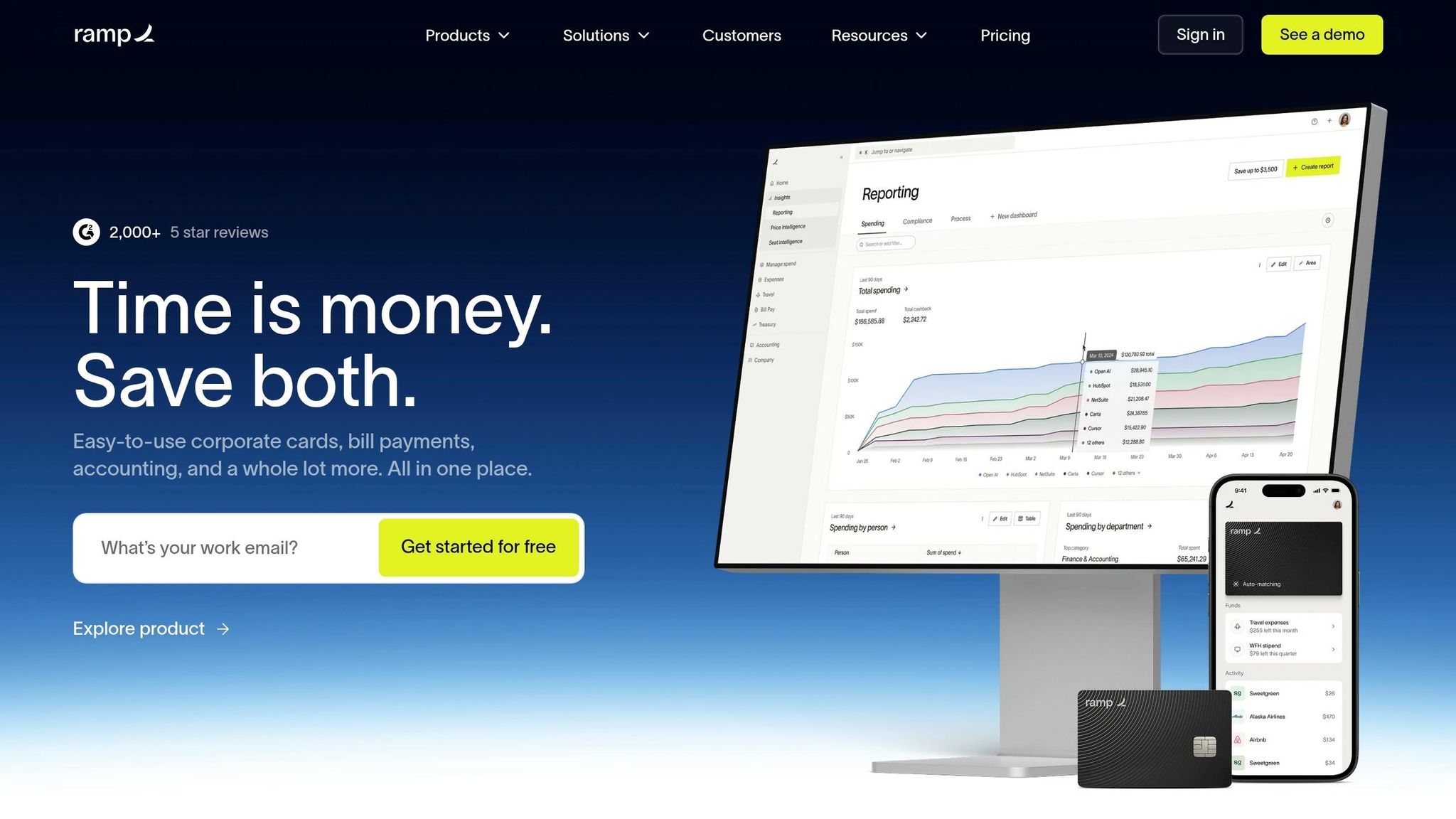
Ramp uses a subtle approach to trial reminders, integrating them as sidebar cards that don’t interrupt the user experience. These notifications, like those for "Ramp Plus" trials, inform users about expiring access without pulling them away from their main tasks. Designed to match the product's interface - especially in dark mode - these cards use simple line illustrations to convey their message quickly and effectively. This design balances functionality with understated visuals to nudge users toward action.
Purpose of the Notification
The goal here is twofold: create a gentle sense of urgency and encourage users to explore premium features before losing access. Instead of relying on intrusive pop-ups, Ramp uses well-timed notifications triggered by user behavior or location within the app. This timing makes the reminders feel like helpful suggestions rather than interruptions.
Ease of Interaction
Ramp keeps things simple with a single, clear call-to-action, such as "Try it now" or "Learn more." These buttons stand out against dark-mode backgrounds, drawing attention without overwhelming the user. To make interactions even smoother, Ramp includes quick feedback options - like thumbs up or thumbs down - so users can easily share whether the notification resonates with them.
Impact on User Retention
Well-placed trial reminders like these can significantly boost conversion rates from trial to paid subscriptions - by as much as 15% to 35%. Personalized in-app messages like Ramp's see click-through rates exceeding 30%, and apps using in-app notifications can improve user retention by up to three times compared to those that don’t. By encouraging users to explore features naturally through these subtle prompts, Ramp not only increases feature adoption but also strengthens overall user engagement.
5. OneSignal's Gamified Push Elements
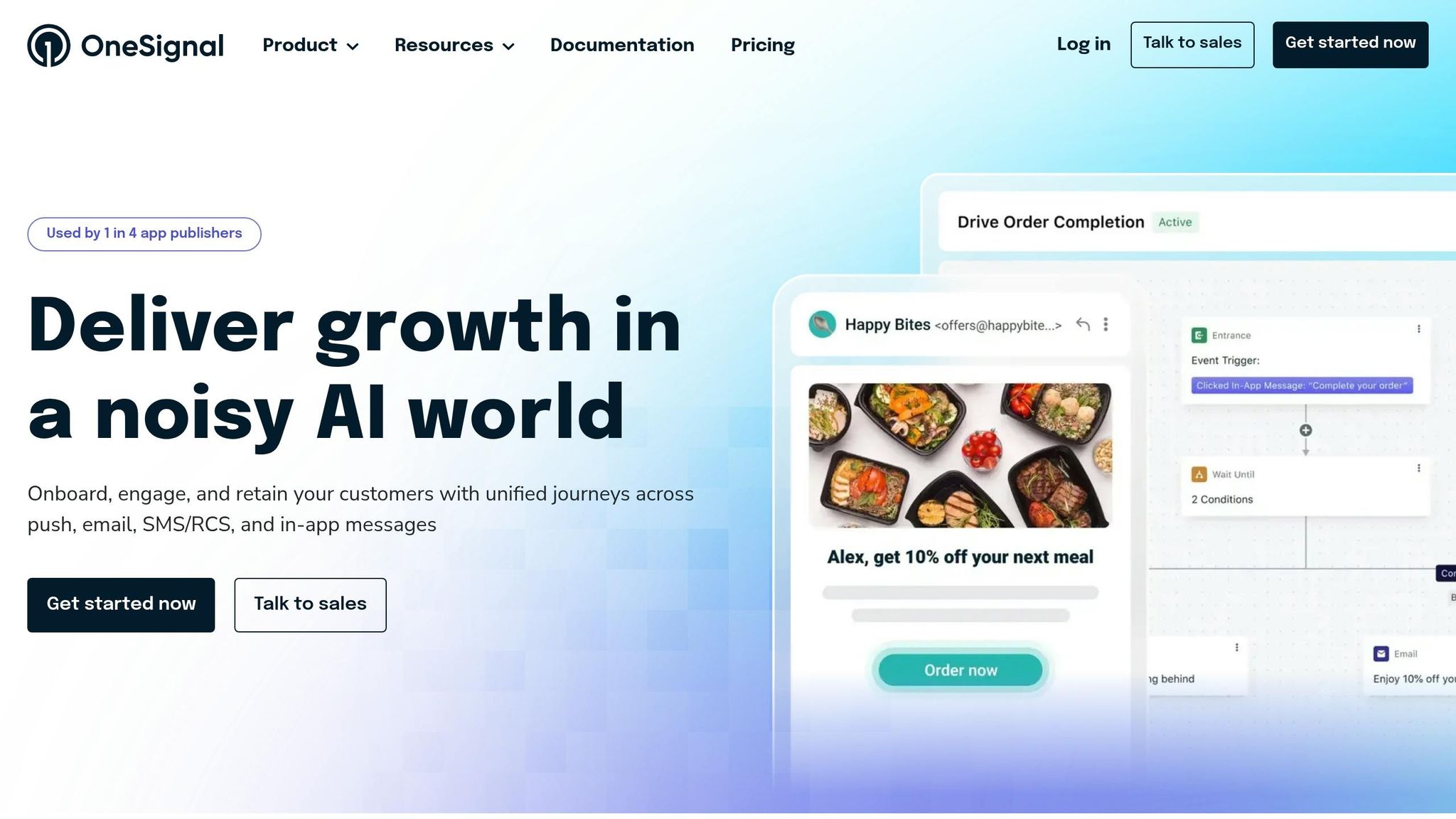
OneSignal takes push notifications to the next level by adding a playful, game-like twist. With features like progress tracking, interactive buttons, and iOS Live Activities for real-time updates, these notifications go beyond standard alerts. They feel like a natural part of the app experience rather than intrusive marketing messages.
Purpose of the Notification
The main idea here is to tap into users' love for rewards, streaks, and achievements. By aligning notifications with the app's core activities, OneSignal ensures that each message serves a specific purpose. For instance, Beach Bum Games used "Quest_ID" Data Tags to send personalized progress updates in their Gin Rummy game. The results? A 140% increase in paid user activation and a jump in push notification click-through rates from under 1% to 12% in just 10 days.
"When you gamify the messaging experience you create a more immersive experience for your players and you make interactions feel like an extension of the game itself." - OneSignal Blog
Ease of Interaction
OneSignal makes it easy for users to act on notifications directly from their lock screens. iOS users can access up to four action buttons, while Android supports three. These buttons let users do things like claim rewards or confirm deposits instantly. Betmate, a sports betting app, used OneSignal Journeys to automate ID verification and first deposit reminders. This approach led to an 11% boost in verified IDs, a 30% increase in new deposits, and a 600% rise in Monthly Active Users. Even small touches, like personalizing notifications with a user’s name, have been shown to increase click-through rates by 130%.
Impact on User Retention
Apps leveraging iOS Live Activities see a 23.7% higher average 30-day retention rate. Onboarding messages also play a big role, with apps reporting a 56.25% higher DAU/MAU ratio when these messages are sent. By rewarding progress and re-engaging users at just the right moments, OneSignal creates a cycle of participation that keeps users coming back. Context-aware messaging, in particular, can boost click-through rates by a staggering 250% compared to generic blasts. This proves that well-timed, personalized notifications can make a huge difference in keeping users engaged.
Conclusion
Interactive notifications are becoming a powerful tool for driving business outcomes. When crafted with care, they deliver precise information at key moments, leveraging contextual triggers to streamline user experiences and reduce time to value. From Slack's quick reply options to OneSignal's gamified features, we've seen how these notifications enhance app engagement, improve retention, and increase customer lifetime value.
The recipe for success lies in three key factors: contextual timing (delivering messages at the right moment), actionable design (offering clear next steps), and respectful implementation (ensuring user attention isn’t wasted).
"In-app messaging succeeds when it respects attention. The goal isn't to add another communication channel - it's to make your product speak intelligently in the moments that matter." - Scott Strand, Growth Lead, Knock
A great example of this is Sked Social, which, in 2026, introduced an onboarding checklist using Userpilot's interactive UI patterns. By guiding new users through 3–5 essential tasks with a progress bar, they achieved 3X higher conversions compared to users who skipped the checklist. Similarly, Zapier's "upgrade now" modal appears exactly when users hit their task limits, providing a timely nudge to remove restrictions at the most impactful moment.
Looking ahead, the future of interactive notifications is already taking shape. Trends like personality-driven messaging, workflow integration, and transparent communication are redefining how SaaS platforms connect with users. These innovations aim to go beyond functional alerts, fostering emotional connections and simplifying complexity by integrating messages directly into tools users already rely on.
To explore the latest solutions, visit All SaaS Software Directory, curated by John Rush. This resource offers a comprehensive guide to SaaS tools designed to elevate user experiences across communication, design, and software development.
FAQs
When should an interactive notification appear in a SaaS app?
Interactive notifications in SaaS apps work best when they pop up at just the right moments - moments that make the user’s experience smoother, encourage them to explore features, or deliver important updates without throwing them off their workflow. These notifications shine when they’re tied to specific user actions or milestones. Think about times like completing a task, hitting a goal, or discovering a new feature. The secret? Timing and relevance. When done right, these notifications feel helpful, not intrusive, and guide users in a way that genuinely adds to their experience.
What actions work best inside a notification vs. linking out?
Actions in a notification should be fast, straightforward, and enable users to complete tasks directly within the app. For instance, users might respond to offers or track their orders without needing to navigate away. On the other hand, linking out is ideal for guiding users to detailed content, such as settings, onboarding materials, or more comprehensive information. This approach keeps notifications concise while still offering access to deeper resources when necessary.
How do you keep interactive notifications helpful, not annoying?
To ensure interactive notifications are helpful rather than irritating, prioritize timing, relevance, and user control. Send notifications when they truly matter - like right after a user action or when there's an update worth their attention. Keep messages concise, clear, and focused on actionable information to avoid overwhelming them.
Be mindful of frequency by limiting how often notifications are sent, and allow users to personalize their preferences. Consolidating related alerts can also reduce clutter. Track key metrics, such as click-through rates, to fine-tune your approach and deliver a positive experience.