Omnichannel support connects all customer communication channels - email, chat, phone, social media, SMS, and messaging apps - into one system. This ensures smooth interactions where customers don’t need to repeat themselves, even when switching channels.
Key takeaways from the article:
- Customer Expectations: 90% of consumers demand consistent experiences across channels; 73% say customer experience influences buying decisions.
- Challenges: Siloed data leads to inefficiencies like "shadow data workflows", costing businesses millions.
- Solutions: Modern SaaS tools unify data, enabling features like AI-driven routing and sentiment analysis to improve response times and customer satisfaction.
Top Tools for Omnichannel Support
- Pylon: Focuses on B2B platforms like Slack and Microsoft Teams, reducing response times by 90%.
- Zendesk: Ideal for B2C teams managing global operations with AI-powered automation.
- Intercom: Great for product-led companies needing in-app messaging and proactive engagement.
- Freshdesk: Affordable option for small and mid-sized businesses, resolving up to 80% of queries with AI.
- Kustomer: Builds unified customer timelines and routes conversations using AI.
- Salesforce Service Cloud: Best for large enterprises needing deep CRM integration.
- HubSpot Service Hub: Links support, sales, and marketing for growing businesses.
Quick Comparison
| Tool | Starting Price | Best For | Key Feature | Supported Channels |
|---|---|---|---|---|
| Pylon | $34/user | B2B platforms | Account Intelligence | Slack, MS Teams, WhatsApp, Discord |
| Zendesk | $19/agent | B2C teams | AI Answer Bot | Email, Chat, Phone, Social, WhatsApp |
| Intercom | $29/seat | Product-led SaaS companies | Fin AI chatbot | In-app, Chat, Email, Social |
| Freshdesk | $15/agent | Small/mid-sized businesses | Freddy AI | Email, Chat, Phone, WhatsApp |
| Kustomer | $89/user | E-commerce and CRM use | Unified customer timeline | Email, Chat, SMS, Voice, Social |
| Salesforce Service Cloud | $25/user | Large enterprises | Einstein AI | Email, Chat, Phone, Social, Messaging |
| HubSpot Service Hub | $9/seat | Growing businesses | 360-degree customer timeline | Email, Chat, WhatsApp, SMS |
To implement these tools effectively:
- Identify the channels your customers use most.
- Ensure smooth data flow with native integrations.
- Use AI for routing and automation to handle routine tasks.
The right tool can make customer support faster, more efficient, and frustration-free.
The 9 Best Zendesk Alternatives for Every Budget and Business Size
sbb-itb-e3aed85
Top SaaS Tools for Omnichannel Support Integration
These SaaS platforms tackle the challenge of fragmented support channels by unifying them into a single, smart ecosystem. Below, you'll find a breakdown of each tool's key features and how they address the complexities of omnichannel integration.
Pylon
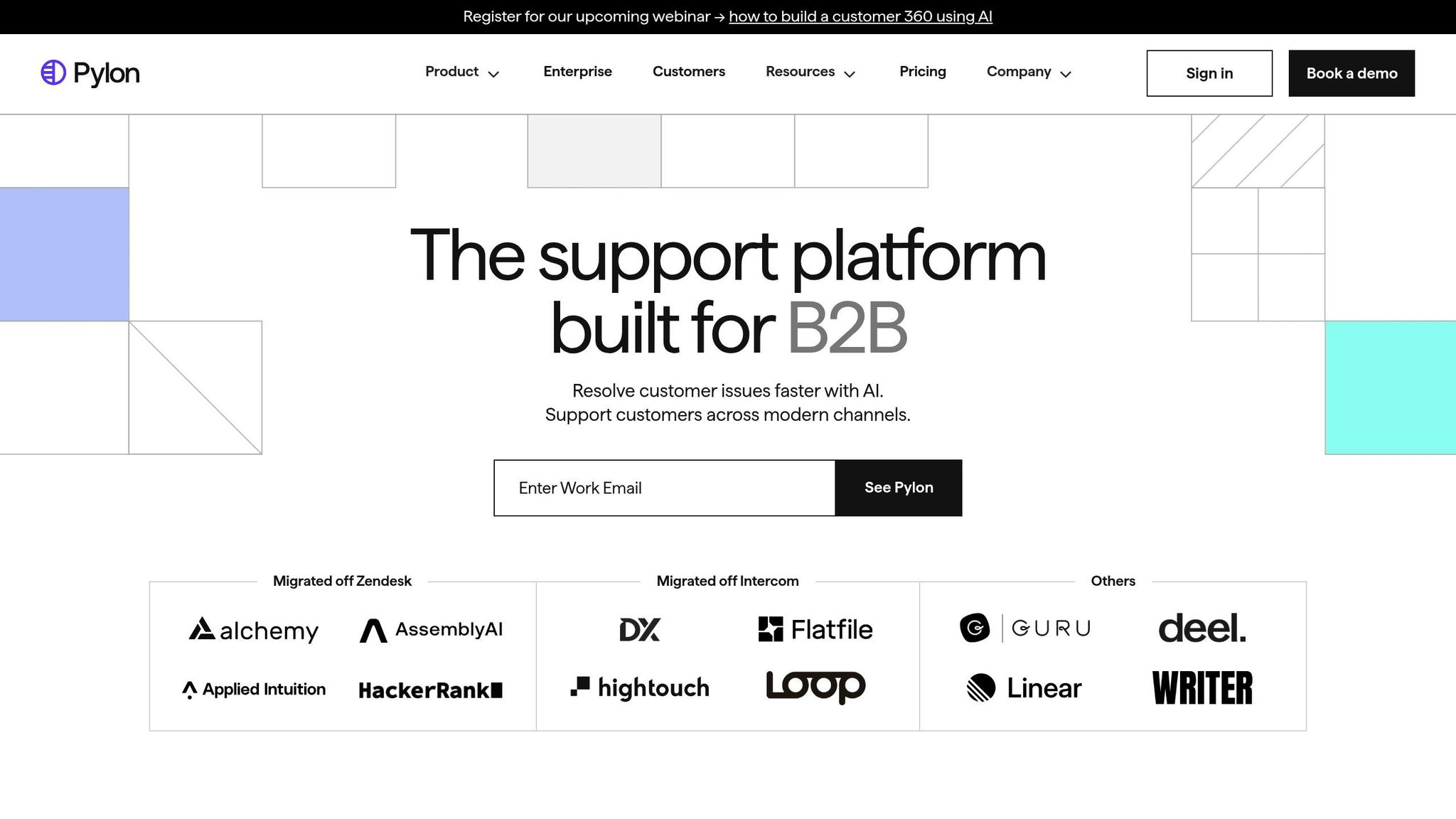
Pylon is specially designed for B2B teams managing customer interactions on platforms like Slack, Microsoft Teams, WhatsApp, Telegram, and Discord. Unlike traditional systems that treat these channels as secondary, Pylon prioritizes them as core support avenues. Its standout feature, Account Intelligence, identifies churn risks and upsell opportunities directly from support conversations.
Pylon has delivered impressive results: a 90% reduction in First Response Time, cutting it from 35 minutes to just 3.5 minutes. Its AI handles 50% of eligible inquiries without human involvement. Teresa Nesteby, Head of Success Engineering at Hightouch, praises the platform:
I highly, highly recommend Pylon. Pylon has quickly become one of the essential tools in our support toolkit that I would not go without. It has made Slack support as easy as email support.
Most teams are fully operational with Pylon in two weeks or less.
Zendesk
Zendesk is a trusted choice for B2C customer service teams handling large volumes across email, chat, phone, and social media. Its infrastructure supports over 40 languages and incorporates AI-driven voice routing and ticket automation. This makes it ideal for enterprises with global operations.
While pricing starts at $25/month, implementation can be complex, often requiring months and specialized expertise to set up effectively.
Intercom
Intercom caters to product-led companies that focus on real-time engagement and in-app messaging. Its Fin AI system excels at deflecting high volumes of tickets while initiating proactive communication based on user behavior - like reaching out when a customer struggles with a specific feature. It's a great fit for SaaS businesses that rely on in-app support.
Freshdesk
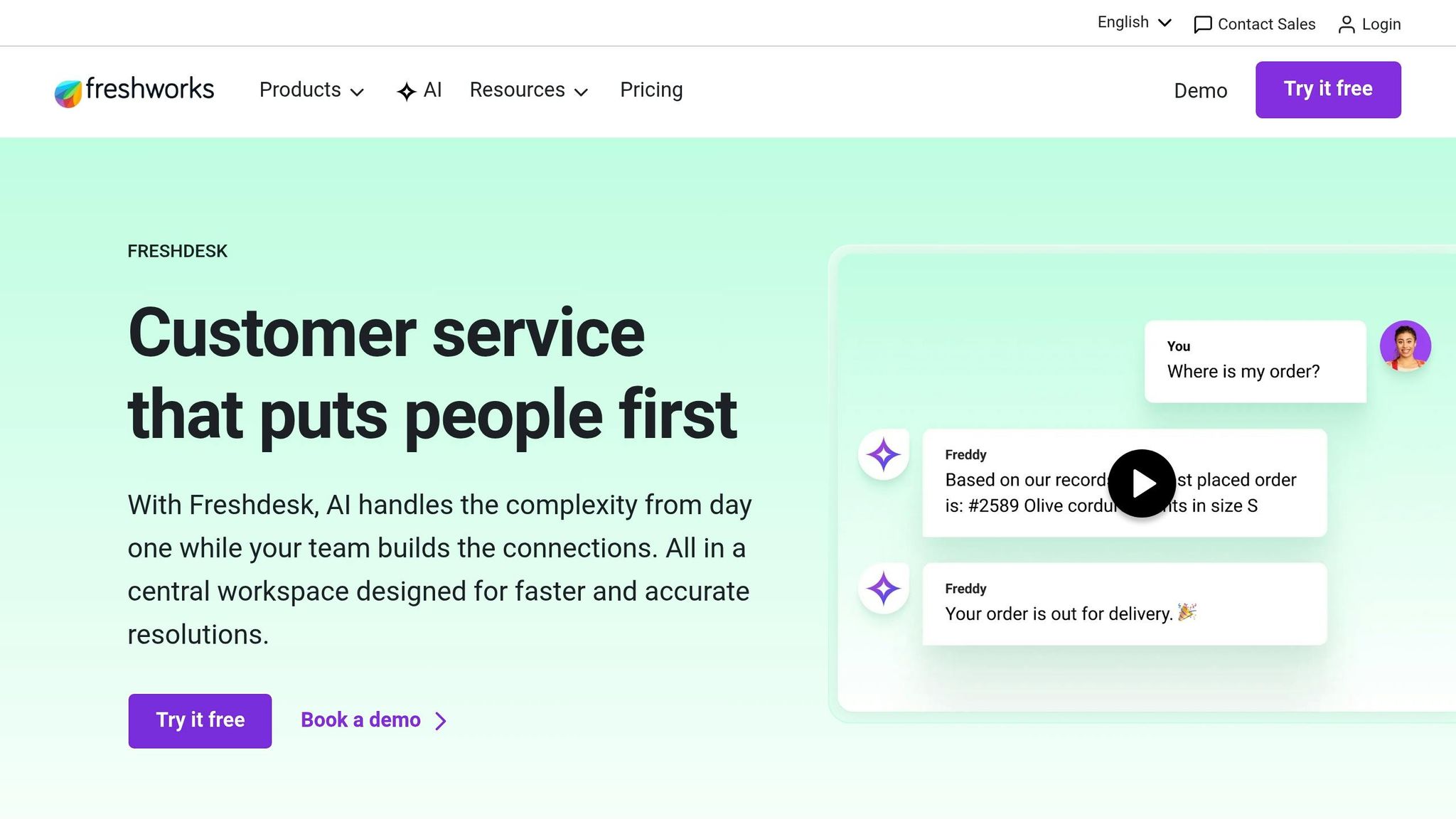
Freshdesk is a go-to platform for small and mid-sized businesses seeking affordability and efficiency. It consolidates email, chat, phone (via Freshcaller), and WhatsApp into one interface. The platform’s Freddy AI Agent can resolve up to 80% of queries, and teams report a 97% omnichannel first contact resolution rate.
Freshdesk offers a free plan for basic ticketing needs, making it accessible for growing teams. Implementing Freddy AI Copilot can increase agent productivity by 60%. Tony Barbone, Chief Revenue Officer at Freshworks, highlights its integration capabilities:
You've got to bring everything into one platform. Freshworks allows us to do that.
Kustomer
Kustomer stands out with its intelligent routing powered by CRM data and AI intent detection. It builds unified customer timelines that display every interaction in chronological order. Its API extensibility is particularly useful for businesses integrating with platforms like Shopify and Salesforce. By routing conversations based on customer context, it eliminates the need for manual rule-setting.
Salesforce Service Cloud
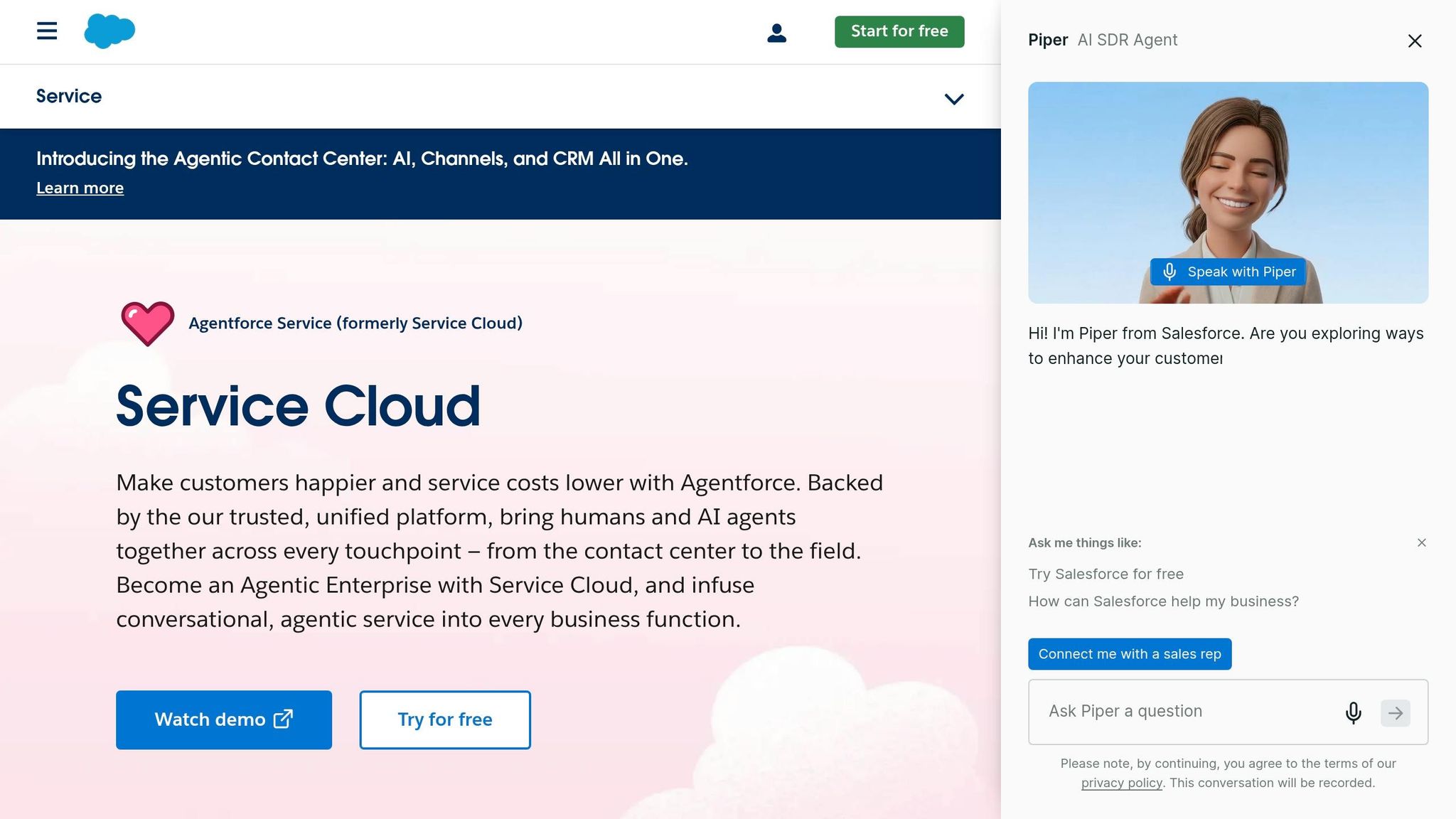
Salesforce Service Cloud is tailored for large enterprises needing tight CRM integration between sales and support. Its Agentforce AI agents manage complex workflows while providing access to Salesforce's extensive data ecosystem. This is especially useful for teams that need visibility into deal histories, account ownership, and sales pipelines.
However, Salesforce Service Cloud is complex, requiring significant administration and longer implementation timelines. It’s best suited for companies already embedded in the Salesforce ecosystem.
HubSpot Service Hub
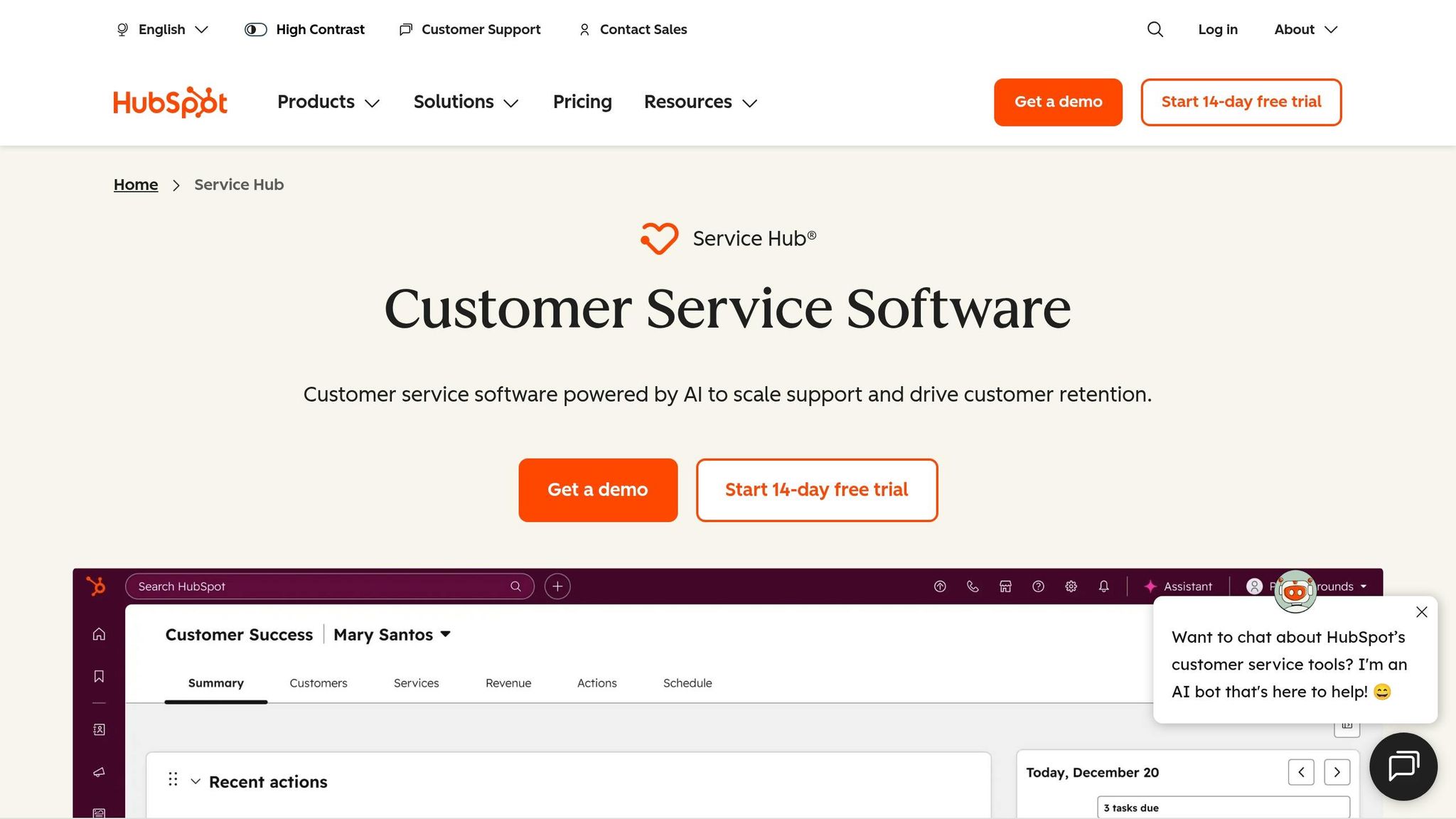
HubSpot Service Hub is ideal for businesses looking for smooth data flow across marketing, sales, and support. Support tickets are automatically linked to customer records and deal histories, giving agents complete context without switching platforms. This integration enables support conversations to trigger marketing workflows or update sales records instantly.
HubSpot offers free starter tools for basic support, with paid plans unlocking advanced omnichannel features for email, chat, and ticketing. It’s a strong option for growing businesses scaling their support operations alongside their expansion.
Comparison of Omnichannel Support Tools
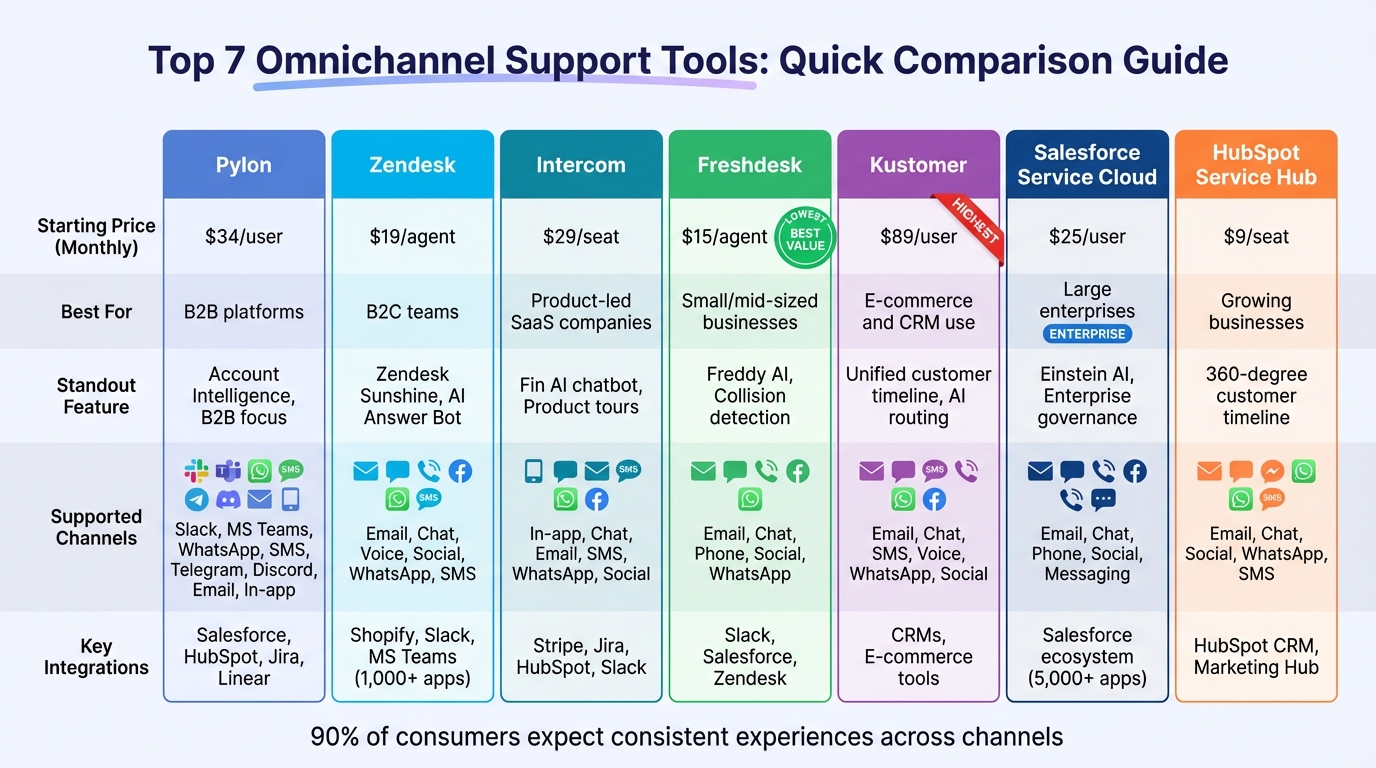
Omnichannel Support Tools Comparison: Features, Pricing & Best Use Cases
These tools are designed to break down siloed data and streamline workflows by integrating multiple support channels into a single platform. When choosing a tool, consider factors like your budget, team size, and the channels your customers prefer. Pricing models vary, including per-user vs. per-feature options, concurrent user, and usage-based models.
Here’s a quick breakdown of the key differences between popular tools:
Comparison Table
| Tool | Starting Price (Monthly) | Supported Channels | Key Integrations | Standout Features |
|---|---|---|---|---|
| Pylon | $34/user | Slack, MS Teams, WhatsApp, SMS, Telegram, Discord, Email, In-app | Salesforce, HubSpot, Jira, Linear | Account Intelligence, B2B focus |
| Zendesk | $19/agent | Email, Chat, Voice, Social, WhatsApp, SMS | Shopify, Slack, MS Teams (1,000+ apps) | Zendesk Sunshine, AI Answer Bot |
| Intercom | $29/seat | In-app, Chat, Email, SMS, WhatsApp, Social | Stripe, Jira, HubSpot, Slack | Fin AI chatbot, Product tours |
| Freshdesk | $15/agent | Email, Chat, Phone, Social, WhatsApp | Slack, Salesforce, Zendesk | Freddy AI, Collision detection |
| Kustomer | $89/user (est.) | Email, Chat, SMS, Voice, WhatsApp, Social | CRMs, E-commerce tools | Unified customer timeline, AI routing |
| Salesforce Service Cloud | $25/user | Email, Chat, Phone, Social, Messaging | Salesforce ecosystem (5,000+ apps) | Einstein AI, Enterprise governance |
| HubSpot Service Hub | $9/seat | Email, Chat, Social, WhatsApp, SMS | HubSpot CRM, Marketing Hub | 360-degree customer timeline |
Zendesk and Salesforce Service Cloud are ideal for enterprises that handle high volumes of customer interactions, as they support the widest range of channels. Pylon is tailored for B2B needs, offering seamless support for collaborative platforms. Meanwhile, Kustomer distinguishes itself by consolidating all interactions into a single timeline, focusing on maintaining conversation flow instead of traditional ticketing. This conversation-first approach ensures continuity across channels, which sets it apart from other tools.
Why does this matter? Because 90% of consumers expect consistent experiences across channels, and 73% say customer experience heavily influences their buying decisions. Choosing the right tool ensures you’re equipped to meet these expectations and deliver exceptional support.
How to Implement Omnichannel Support Tools
Launching an omnichannel support platform doesn’t have to be overwhelming. Most platforms can be up and running within 2 to 8 weeks, depending on your team size and the complexity of your channels. The trick? Break the process into smaller, manageable steps instead of trying to tackle everything at once.
Mapping Customer Channels
Start by mapping out the channels your customers use. Build customer personas based on factors like demographics, buying habits, and preferred ways to communicate. For instance, Gen Z might lean toward Instagram DMs or WhatsApp, while Baby Boomers often prefer phone support.
Organize customer interactions into five key phases: Awareness, Consideration, Purchase, Post-Purchase, and Loyalty. Match each phase with the most suitable channels - for example, SMS works well for order confirmations during the Purchase phase, while email is ideal for sharing detailed product information during the Consideration stage.
For B2B teams, this mapping should also include account-level insights, helping you monitor the health and sentiment of entire companies, not just individual contacts. Focus on tools like Slack or Microsoft Teams if those are where your customers collaborate.
Once you’ve mapped the channels, ensure smooth data flow by prioritizing native integrations.
Using Native Integrations
Choose tools that offer native integrations to enable real-time, two-way data synchronization. This ensures updates in your support platform automatically reflect in systems like your CRM or development tools (e.g., Jira or Salesforce), and vice versa. Third-party connectors, on the other hand, often rely on batch updates and require ongoing developer input.
Take Hyundai, for example. In 2025, they teamed up with Nextiva to unify their fragmented business listings and social media pages through native integrations. The result? A 98% improvement in response time and an 11% increase in positive customer reviews. Similarly, Cedar Financial replaced seven vendors with one AI-powered platform, leading to a 471% increase in call volume and a 40% boost in operational efficiency.
To avoid overwhelming your team, implement a phased rollout. Start with your busiest channels, like email and chat. Once those are running smoothly, refine your routing rules and gradually add channels like SMS or WhatsApp. This step-by-step approach helps you catch and resolve issues early.
Once your integrations are in place, it’s time to take advantage of AI for routing and automation.
Using AI for Routing and Automation
After setting up integrated channels, use AI to handle routine queries and streamline ticket routing. Intelligent Virtual Agents (IVAs) can manage common FAQs across web, email, and messaging apps, deflecting 60-70% of tickets without needing human involvement. This frees up your support team to focus on more complex issues that require a personal touch.
AI also shines when it comes to intelligent routing. It can analyze ticket content, sentiment, and customer intent to assign inquiries to the right agent based on their skill set, workload, or the urgency of the request. By reducing manual triage, AI-powered routing can cut down on repetitive tasks by up to 80%. For B2B teams, AI can even capture signals from conversations to assess account health and flag potential churn risks.
When implementing AI, start small. Begin by automating ticket routing and triage before introducing customer-facing chatbots. Train the AI using historical tickets and your knowledge base to ensure it aligns with your brand’s tone and messaging. Finally, make sure all channels feed into a single customer profile so AI has the full context it needs to operate effectively.
Conclusion
Picking the right omnichannel support tool is key to delivering smooth, consistent customer experiences. As CX Everywhere puts it:
Customers do not think in channels - they just want answers.
With 73% of customers using multiple channels during a single service journey and 61% ready to switch to a competitor after just one bad experience, the stakes couldn't be higher.
Each tool discussed earlier tackles specific challenges. For instance, Salesforce Service Cloud is perfect for high-volume enterprises, offering unified routing across over 10 communication channels. On the other hand, smaller teams can benefit from Freshdesk, which starts at an affordable $15 per user per month. The trick is aligning the tool with your customers' behaviors and the scale of your support needs.
To get the most out of these tools, follow the strategies outlined earlier: map out your customer channels and ensure your CRM has bidirectional data sync to avoid fragmented communication. Look for features like AI-powered routing to keep operations efficient and customer-focused.
For an easier evaluation process, resources like the All SaaS Software Directory can be a game-changer. They provide comparison charts, verified ratings, and detailed breakdowns of features across communication, CRM, and customer support tools. These directories also help you identify which tools integrate seamlessly with platforms like Slack, Salesforce, or Shopify - and flag any potential extra costs for AI features.
With 93% of customers willing to spend more for their preferred communication option, the right omnichannel tool isn't just a convenience - it's a necessity for retaining customers and driving growth. By choosing wisely and integrating effectively, you can turn customer support into a powerful competitive edge.
FAQs
What’s the fastest way to choose the right omnichannel support tool?
To find the best omnichannel support tool without wasting time, focus on platforms that bring all customer interactions together in a single interface. Start by identifying the communication channels most important to your business and confirm the tool supports them. Features like AI-driven tools, real-time analytics, and seamless integration options should be on your checklist. Choose solutions that are easy to set up, simple to use, and offer robust multi-channel support to ensure a smooth implementation and address your business goals efficiently.
How do I connect support channels to my CRM without data silos?
To avoid creating data silos when connecting support channels to your CRM, consider using omnichannel support platforms or APIs that bring customer interactions into a single, unified system. Platforms like HubSpot’s Omnichannel Customer Service or Converix AI can integrate various channels - email, chat, phone, and social media - with CRMs like Salesforce or Zoho. Additionally, APIs such as REST or Webhooks allow for real-time data sharing, ensuring customer information remains centralized and easily accessible.
Which AI features matter most for omnichannel support?
In 2026, delivering smooth, personalized, and efficient customer experiences across multiple channels will depend on a few key AI features. Here’s what stands out:
- AI-Powered Agent Assistance: This feature provides real-time suggestions to support agents while ensuring customer context is preserved throughout interactions. It helps agents respond faster and more effectively.
- Automation Across Channels: AI will handle chat, voice, and digital channels, offering instant responses and reducing wait times. This automation ensures customers get the help they need without delays.
- Conversational Analytics: By analyzing customer conversations, this tool helps businesses fine-tune interactions to better meet individual needs. It’s all about creating tailored experiences.
These features work together to simplify workflows, deliver more personalized service, and keep interactions consistent across every platform.